How to stop jobs stalling between quote and crew
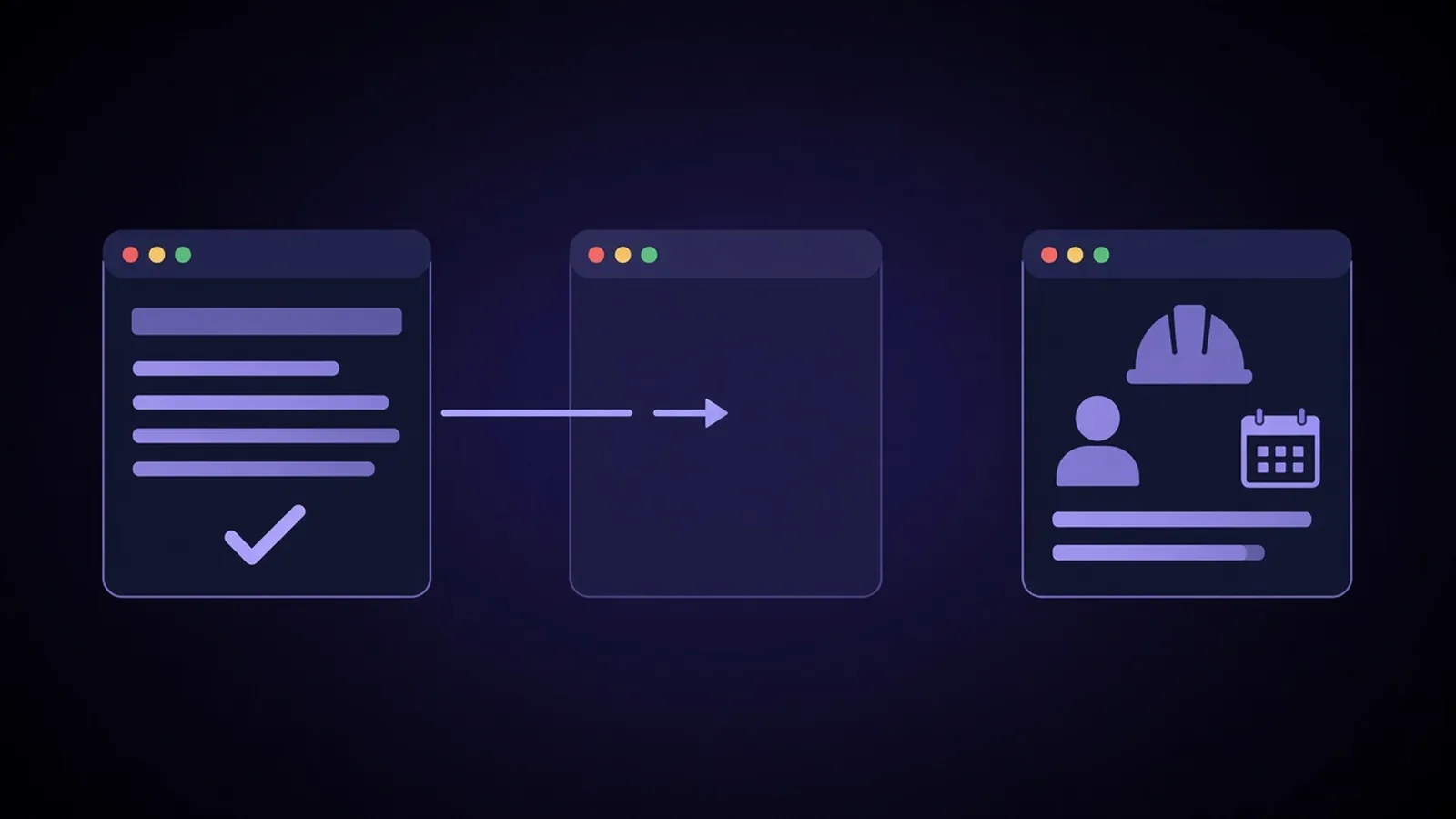
Quick answer: Most jobs in a Niagara trades business do not stall because people are lazy. They stall in the gap between two people, such as the estimator and the scheduler, or the office and the crew. Put one name and one date beside every open job, and look at that list each day. The free Process Scan takes about two minutes and shows which handoff to fix first.
The customer said yes. The quote is signed, or as good as signed. Then the job sits.
I see this often in HVAC, plumbing, electrical, renovation, flooring, landscaping and general contracting firms of 10 to 200 people around Niagara. The crew is already busy. The office meant to book the work, order the materials and brief the lead. Nobody is slacking off. The next step simply does not have a name and a date on it, so it waits until someone happens to remember.
This guide is for owners and office managers who want that gap closed. It is not a pitch for a new field service app. It is a way to make the handoff from quote to crew visible, owned and reviewed, with tools you already have. If you also want a broader view of office work around the job, see our page on automation and AI for Ontario trades.
Why jobs stall after the customer says yes
The skilled work on site is rarely the problem. The stall is usually in the space between two people.
The estimator finishes a site visit and sends a quote, then goes to the next call. The customer replies "go ahead" to an inbox that several people can see and nobody owns. The person who schedules crews is out on a job and does not know the work is sold. Materials stay unordered. The crew gets a text the night before with a street and a time, but not the scope, the photos or the extras that were in the quote.
Each of those is a handoff. A handoff fails when it lives in memory, a group chat or a shared inbox, with no one person responsible for the next step and no date by which that step should be done.
If quotes themselves are going out late or never getting a second call, start there first. We have a separate guide on how to stop losing quotes and follow-ups and a free quote follow-up playbook. This article picks up at the moment the customer has already said yes.
The handoffs between quote and crew
Write down what actually happens today, not what the procedure binder says. For most trades businesses the path looks something like this:
- The yes is caught. Someone sees the signed quote, the deposit or the "go ahead" email, and records that the job is sold.
- The job is scheduled. A date, a crew and a duration are booked, and the customer is told when to expect you.
- The site is made ready. Materials, rentals, permits or site access are confirmed so the crew is not standing around on day one.
- The crew is briefed. The lead has the scope, the quote notes, the photos and any customer promises before they leave the yard.
- The job is closed out. Notes and photos come back to the office so the invoice matches what was done.
Jobs stall at the arrows between those steps, not inside them. The office thinks scheduling has it. Scheduling thinks the estimator still has it. The crew thinks someone else ordered the parts.
You do not need software to see this. Follow one recent job from the "yes" to the first day on site and mark every place it waited for a person. Our guides on how to audit workflows and where work really stalls walk through that kind of review in more detail. For a Niagara-focused look at mapping and fixing a process before you buy tools, see process improvement consulting in Niagara.
Put one name and one date on every open job
The fix is simple to describe and easy to skip on a busy morning.
Keep one open-jobs list. Not three. It can be a whiteboard, a shared spreadsheet or a list inside the system you already use. What matters is that everyone who handles quotes, scheduling or dispatch looks at the same list.
For every open job, record only what you need to move it:
- The customer and a short description of the work
- Where it sits now (sold, waiting to be scheduled, waiting on materials, ready for the crew, or on site)
- Who owns the next step, by name
- The date that step is due
- What "done" looks like for that step (booked in the calendar, materials confirmed, lead briefed)
If a job has no name beside it, it is not owned. If it has no date, it can wait forever.
Look at the list every weekday, even if only for a short pass. The owner or the operations lead should be able to ask, for each line, "who is doing the next thing, and by when?" When a step is finished, change the name and the date to the next step. If someone is off, move their lines before they go, rather than hoping a colleague will notice.
A short recurring checklist for that daily review helps, as does a one-page SOP for what happens between "yes" and the crew leaving the yard. Keep both short enough to use on a busy day.
This is not a claim that a list will win you more work or cut a set number of hours. It is a way to stop jobs living in the gap between two people.
Fix the process before you add another tool
A new scheduling app, CRM or field service platform will not fix a handoff that has no owner. It will give you more places to type the same job, unless the steps are already clear.
Use the tools you already pay for if they can hold the list and show the owner and the date. If your schedule still lives in a spreadsheet and that is the handoff that fails, our guide on staff schedules without spreadsheets is a better next read. If invoices wait until someone remembers to raise them after the crew is done, use the free invoice chasing playbook.
Automation can later remind the owner when a date is missed, or move a sold quote into the schedule. That is useful once the process is written down and one person is accountable. It is not the first move.
If you are not sure which handoff to fix first, start with the free Process Scan. It takes about two minutes, needs no email address, and shows a starting recommendation on screen. That is the point of the scan: pick the stall, then decide whether a tool is even needed.
FAQ
Why do jobs stall between quote and crew in a trades business? They usually stall in the handoff, not on the tools or the crew. The customer has said yes, but nobody is named as the person who will schedule the work, order the materials or brief the lead, and there is no date for that step. The job then waits until someone happens to remember.
What should we put on an open-jobs list? Keep one list for every job that is sold but not yet finished. For each line, record the customer, a short description, where the job sits now, the name of the person who owns the next step, the date that step is due, and what done looks like. If a line has no name or no date, it is not owned.
Do we need new software to fix handoffs? Not to start. A whiteboard, a shared spreadsheet or a list in the system you already use is enough if everyone looks at the same place and every job has an owner and a date. Buy or change software only after the process is clear. New subscriptions are your choice and are paid directly to the provider.
Where should a Niagara trades business start? A practical place to start is the gap after a quote is accepted: catching the yes, booking the crew, confirming materials and briefing the lead. Some businesses find the bigger leak is earlier, in quote follow-up, or later, in job notes and invoicing. The free Process Scan is a short way to see which handoff to fix first.
Can Adapting Services help us fix this? Yes. We help trades and other 10 to 200 person businesses in Niagara, Hamilton by arrangement, and across Ontario remotely, start with one process, write down the handoffs and train the person who will own them. Monthly plans are Adapting Start $295 a month, Adapting Grow $625 a month and Adapting Scale $1,225 a month, CAD plus HST. The online Process Scan is free.
Start with the handoff that fails most often
You do not need to redesign the whole business this week. Pick one recent job that sat after the customer said yes, write down every place it waited, and put a name and a date on the next similar job. Then look at the list tomorrow.
Take the free Process Scan. It takes about two minutes and points to the handoff I would fix first.
Key takeaways
- The handoffs between quote and crew
- Put one name and one date on every open job
- Fix the process before you add another tool
- Start with the handoff that fails most often