AI Training for Staff: A Plan for Ontario Small Businesses
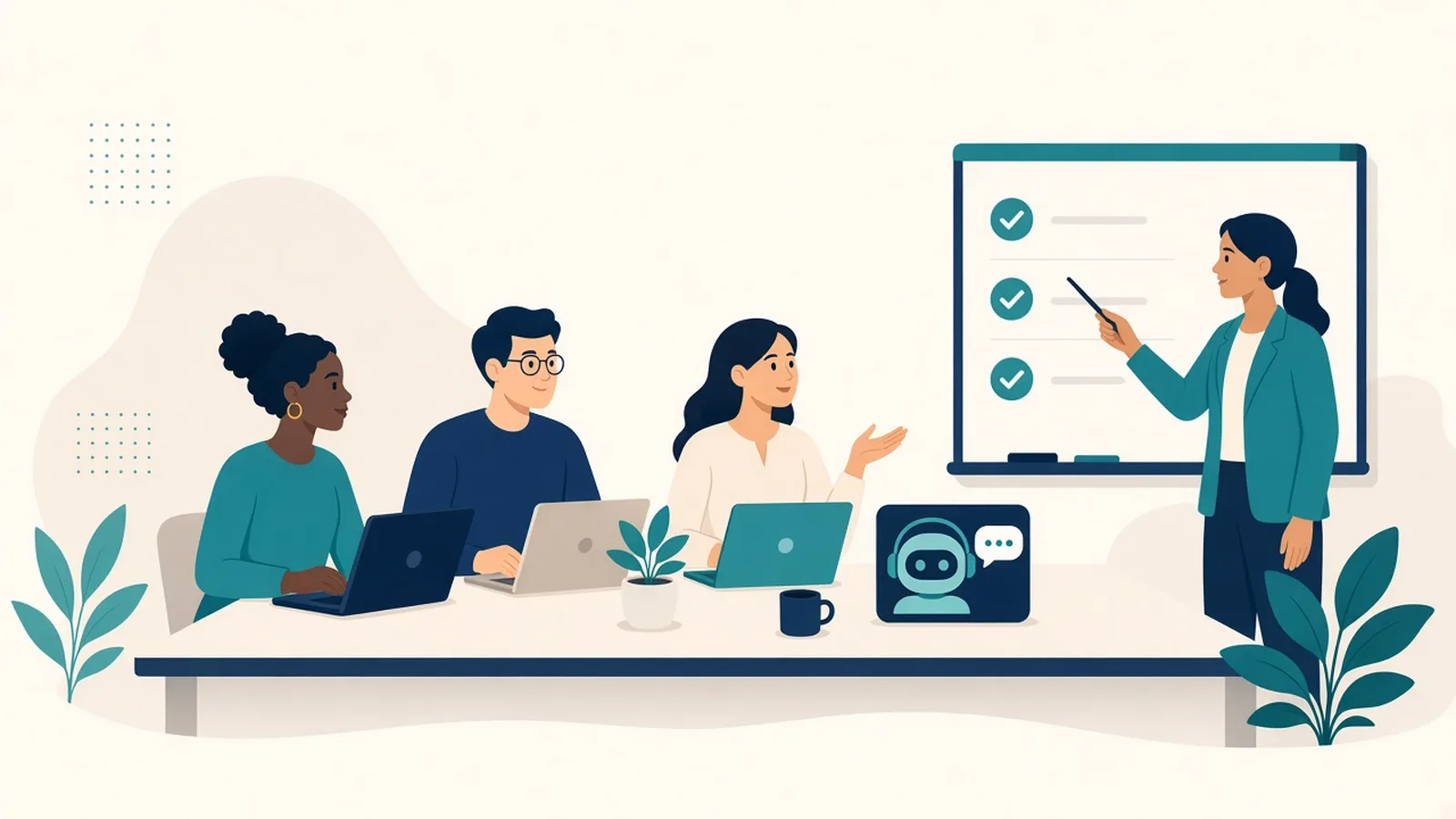
Quick answer: Good AI training for staff at a Niagara or Ontario small business starts with the tasks your team does every day, sets simple rules on what data can go into AI tools, uses short hands on sessions and checks what stuck after 30 days. We run this training on site in Niagara or online, within monthly plans from $295 CAD plus HST.
Most small businesses in Ontario already have staff using AI. Someone drafts emails in ChatGPT, someone else summarises meeting notes with Copilot, and a third person pastes a customer complaint into a free tool to get a calmer reply. Nobody planned it, and nobody showed them what good use looks like.
That is the real reason to train staff on AI. It isn't about turning everyone into a power user. It's about making sure the people already using these tools do it in a way that saves time, protects customer information and produces work you would be happy to sign.
This guide lays out a simple training plan a 10 to 50 person business can run without a big budget. It's written for owners and managers in Niagara, Hamilton and across Ontario.
Why generic AI courses often miss the mark
There is no shortage of online AI courses. Many are well made. The problem is that they teach the tool, not your work. A receptionist at a dental office, an estimator at a contracting firm and a bookkeeper at a property manager all need different things from the same tool.
When training starts with features ("here is how to write a prompt"), people nod along and then go back to their desk with no idea where it fits. When training starts with a task they did yesterday ("here is how to turn your site visit notes into a client summary"), it sticks, because the next time they do that task they remember the better way.
So the first step isn't picking a course. It's picking the tasks.
Step 1: Find the tasks worth training on
Spend an hour with each team, or send a short questionnaire, and ask:
- Which tasks involve a lot of writing, rewriting or summarising?
- Where do people copy information from one place, tidy it up and paste it somewhere else?
- What do new hires struggle with most in their first month?
- Where are people already using AI, and what are they using it for?
That last question matters. You want honest answers, so make it clear nobody is in trouble for using a tool. You are trying to learn, not to police.
From the answers, pick three to five tasks per role. Good candidates are common, low risk and easy to check. Drafting a first version of a quote cover letter is a good candidate. Deciding whether a customer qualifies for a refund is not, at least not at the start.
If you want a structured way to do this, our free Process Playbook walks through mapping a process step by step, which makes it much easier to see where AI fits and where it doesn't.
Step 2: Write simple rules before anyone practises
Training without rules teaches people to be fast, not careful. Before the first session, agree on a one page set of rules. Keep it short enough that people will actually read it. For most small businesses it covers:
- Which tools are approved. For example, a business account your company controls rather than personal free accounts.
- What never goes in. Health information, banking details, social insurance numbers, and anything a client asked you to keep confidential, unless the tool has been approved for that kind of data.
- What always gets checked. Anything sent to a customer, any number, any claim about a law or a policy, and anything with a person's name in it.
- Who to ask. One named person staff can go to when they aren't sure.
Ontario businesses also need to keep federal privacy law (PIPEDA) in mind when personal information is involved. You don't need a legal department to get the basics right, but you do need someone to decide where the lines are. Our page on AI governance for Canadian businesses explains what a light, practical set of rules looks like, and the privacy first AI assessment is there if you're weighing a tool that will handle sensitive records.
Step 3: Run short, hands on sessions
Long lectures don't work for this. Short sessions where people practise on their own work do. A format that suits small teams:
- Thirty minute kickoff for everyone. What the tools are good at, where they go wrong, and the one page rules. Show a real example of a confident but wrong answer so people see why checking matters.
- Sixty minute role sessions. Each team works through its own three to five tasks using real (but safe) examples. People bring a task, try it, compare results and keep the prompts that worked.
- A shared prompt library. Save the prompts and examples that worked in one shared document, organised by task. This becomes your team's playbook and saves the next person from starting over.
Keep groups small. Four to eight people means everyone gets hands on time and nobody can hide at the back.
Here is a hypothetical example: an office administrator at a Hamilton trades company spends part of every Monday turning the weekend's voicemails and emails into a list of service calls. In a role session, they practise pasting the messages (with phone numbers removed) into the approved tool, asking for a list with the job type, location and urgency, and then checking each line against the original. The point isn't that AI does the job. The point is that they now know a faster first draft, and they know to check it.
Step 4: Make checking part of the habit
The most important skill in AI training is not writing prompts. It's reviewing output. AI tools are good at sounding sure of themselves, and they can invent details, misread numbers or miss context only your staff know.
Teach a simple review routine:
- Read the whole output before using any of it.
- Check every number, date, name and price against the source.
- Ask "would I send this if my name was on it?" Because it is.
- If the tool was asked about rules, regulations or contracts, confirm with the real source or a person who knows.
Managers should model this. If the owner forwards AI written text without reading it, the team will too.
Step 5: Follow up after 30 days
Training fades fast without follow up. About a month after the sessions, check in with each team:
- Which of the trained tasks are people actually using AI for?
- Which prompts in the shared library get used, and which have been ignored?
- Has anything gone wrong, or nearly gone wrong?
- What new tasks have people found on their own?
Use the answers to update the rules and the prompt library. This is also the moment to decide whether a task is worth more than a prompt. If the same five step routine happens every day, it may be a candidate for a proper workflow or a small internal tool, built once and used by everyone. That's a decision to make after the process is clear, not before.
What a realistic first month looks like
For a business of around 20 people, a realistic plan is:
- Week 1: task interviews and the one page rules.
- Week 2: kickoff session and role sessions.
- Weeks 3 and 4: people use the tools on their trained tasks, adding to the shared library.
- Week 5: the 30 day check in, rule updates and a short list of next steps.
None of this needs special software beyond the AI tool you've approved. It needs an owner or manager to give it a few hours, and a willingness to start with real work instead of the latest feature list.
If you'd rather have help setting this up, we run ChatGPT setup and team training for teams in Niagara and across Ontario, our ChatGPT and Copilot rollout for Ontario teams covers accounts, policy and training together, and our AI consulting for Ontario businesses covers the wider picture.
FAQ
Do you run AI training for staff on site in Niagara? Yes. Adapting Services is based in Niagara Falls and runs staff AI training on site across the Niagara Region, including St. Catharines and Welland, and online for teams elsewhere in Ontario. On site time is agreed in writing before it is booked.
How long should AI training for staff take? Short sessions work better than one long day. A practical plan is a few sessions of about an hour, each built on real tasks, then a check after 30 days to see what people kept using.
What should staff never put into an AI tool? Set this in your own policy. A common starting rule is no customer personal information, passwords, health or financial records, or confidential client documents unless the tool and account have been approved for that use.
How much does staff AI training cost? Training is part of Adapting Services monthly plans: Adapting Start $295 a month, Adapting Grow $625 a month and Adapting Scale $1,225 a month, CAD plus HST. As-Needed Support is $175 an hour. Tool licences are paid separately to the provider.
Start with the processes your team runs every day
Good AI training starts with knowing which tasks are worth training on. Our free Process Scan looks at how your team works today and points out where AI can help, where it can't, and what to tackle first. Take the free Process Scan and get a clear starting point for your staff training plan.
Key takeaways
- Step 1: Find the tasks worth training on
- Step 2: Write simple rules before anyone practises
- Step 3: Run short, hands on sessions
- Step 4: Make checking part of the habit
- Step 5: Follow up after 30 days