Choosing Work Management Software for a Small Business
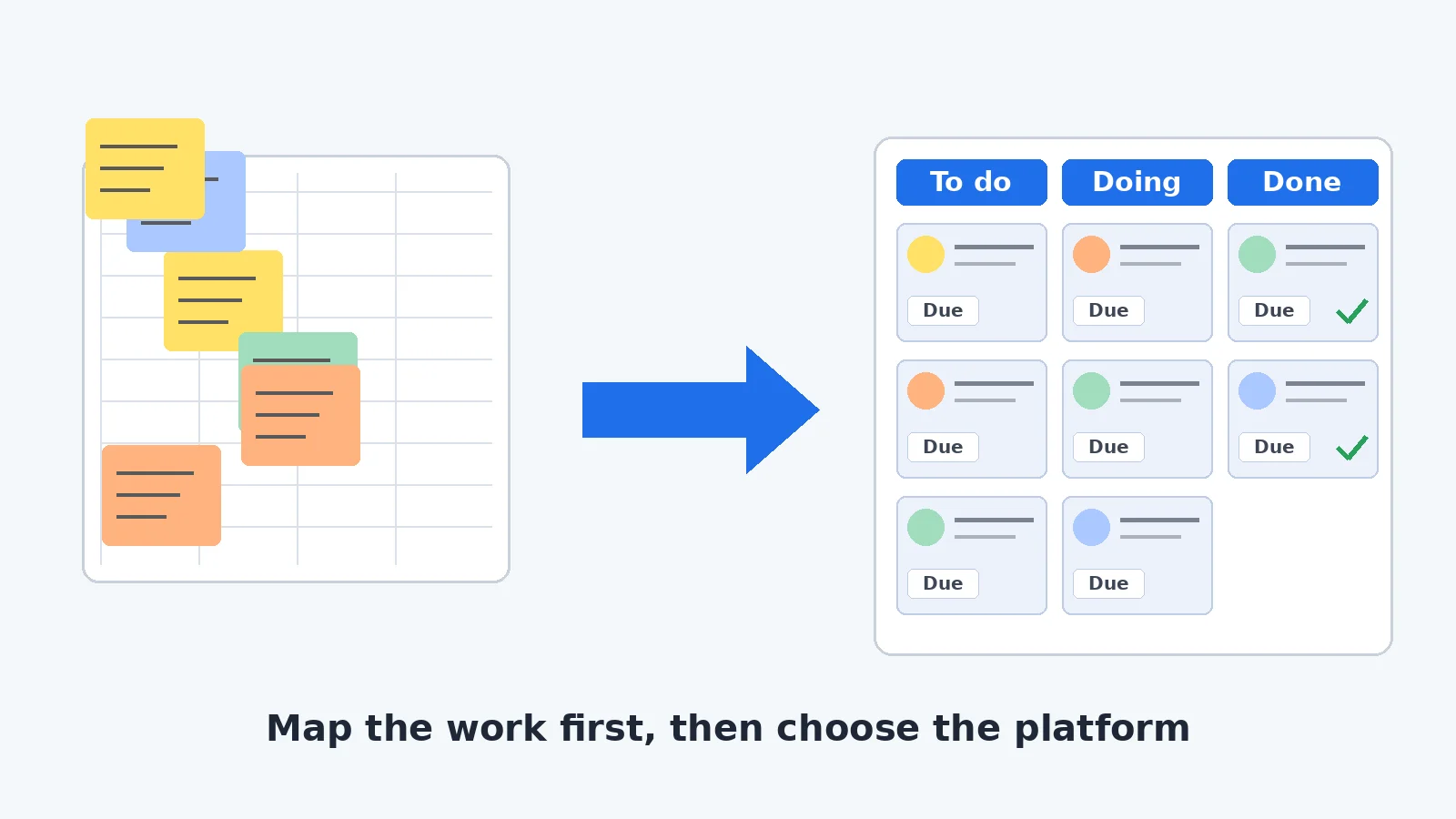
Most growing businesses reach the same point. Work is tracked in a mix of spreadsheets, email threads, a whiteboard in the office and a few people's memories. It works when there are eight of you. At 25 or 60 people, jobs start slipping through the cracks, and the owner becomes the person everyone asks "where is this at?"
Work management software looks like the obvious fix. One place for tasks, owners, due dates and status. Some of these platforms are genuinely good. But plenty of businesses buy one, set up a few boards, and six months later the team is back in the spreadsheet because the software never matched how the work actually moves.
This guide is for owners and operations leads in Niagara, Hamilton and across Ontario who are about to choose a platform. It puts the process questions first, because they decide whether any tool will stick.
Step 1: Pick one workflow, not the whole business
The fastest way to fail is to try to move every department into a new platform at once. Pick one recurring workflow that causes real pain and has a clear start and finish. Good candidates:
- A customer request that becomes a job, then an invoice
- New client setup, from signed agreement to first delivery
- Purchase requests that need a manager's approval
- Hiring and onboarding a new employee
- Monthly reporting that pulls numbers from three places
Choose the one where things get lost most often or where the owner gets interrupted most. That workflow becomes your test case for every platform you look at.
Step 2: Map the steps as they really happen
Before you open a free trial, write the workflow down. A whiteboard or a shared document is fine. For each step, note:
- What starts it (an email, a phone call, a form, a signed quote)
- Who does it
- What information they need, and where it lives today
- Who it goes to next, and how they find out
- How long it usually waits before someone picks it up
Be honest about the messy parts. If an approval sometimes happens by text message, write that down. If one person keeps a private list because the shared one is out of date, write that down too. The gaps you find here are what the software needs to close.
If you have never mapped a process like this, the free Process Playbook walks you through one recurring task step by step. Our guide on how to write SOPs your team will actually follow is a good companion once the steps are clear.
Step 3: Write the rules the software has to enforce
A platform is only as good as the rules you give it. Turn your map into a short list of rules, for example:
- Every job has exactly one owner at any moment.
- A request cannot move to "approved" until a manager signs off.
- If a task sits untouched for two working days, the owner and their manager get a reminder.
- Status means the same thing to everyone: "waiting on client" is not the same as "in progress".
- The customer's details are entered once, at the start, and never retyped.
These rules become your buying checklist. When a vendor shows you a demo, ask them to show you each rule working, not a generic sample project.
Step 4: Check the things that matter for a small Ontario business
Feature lists for these platforms are long and they mostly look alike. The questions that separate a good fit from a bad one are more practical:
- Data and privacy. Where is the data stored, and can you choose? Who in your company can see client records? If you handle personal information, read our page on the privacy first AI app assessment before you load customer data into any new system.
- Permissions. Can you limit what staff, contractors and clients see, board by board or field by field?
- Integrations. Does it connect to the email, calendar, accounting and CRM tools you already use, so people are not copying data between apps? Our post on how to stop retyping data between business apps covers why this matters.
- Automation without code. Can the person who owns the workflow change a rule themselves, or does every change need a developer?
- AI features. Many platforms now include AI assistants and agents. Decide what you would let them do, such as summarising status or drafting updates, and what still needs a person. Our AI governance for Canadian businesses page explains how to set those limits.
- Adoption. Will the people in the field or on the floor actually open it on their phone? If not, it will not hold the truth for long.
Two platforms worth a look
Once your workflow, map and rules are ready, you can test platforms properly. Disclosure: some links in this post are affiliate links. If you sign up through them, Adapting Services may earn a commission at no cost to you. We only mention tools we would suggest to clients. Adapting Services is a SmartSuite affiliate and a monday.com affiliate. Features below come from each vendor's own website as of November 16, 2026. They change, so please check before you buy.
monday.com is a widely used work management platform built around boards. Its website describes several views of the same work, including a timeline with dependencies, workload views that show who is overloaded, and no code automations that create tasks, send notifications, update statuses and hand work between teams. It lists more than 850 integrations, including Gmail, Slack, Microsoft Teams, Google Calendar and HubSpot, plus built in AI assistants and agents that summarise status and draft updates. It tends to suit teams that want to get a first workflow running quickly with a visual board. SmartSuite describes itself as a connected work platform where you build structured, linked records and then run workflows on top of them. Its website covers no code workflows, forms, dashboards and automations, role based permissions with audit history, and AI agents that can classify requests and flag missing steps or approvals. It also lists ready made solutions for operations areas such as people operations, procurement, sales operations and compliance. Its website lists United States and European Union data centres, so check whether that works for your data before you sign up. It tends to suit businesses whose work depends on related records, such as clients, sites, contracts and jobs, that need to stay linked.Neither is the right answer for every business. Run your one workflow through each, using your real rules, with two or three of the people who will use it daily.
Step 5: Run a two week pilot and measure it
Set up the single workflow, invite a small group, and run it for two weeks alongside the old method. At the end, ask the same questions you asked in Step 2:
- Did anything get lost or wait longer than it should have?
- Did the owner get fewer "where is this at?" questions?
- Did people update the board without being chased?
- Which of your rules did the platform enforce, and which still depend on someone remembering?
If the answers are good, write a one page guide on how the business uses the tool and move to the next workflow. If they are not, look at the process before you blame the software. When you are ready to connect the platform to the rest of your systems, our workflow automation consulting page explains how we approach that.
Find the workflow to start with
Choosing work management software is much easier when you know which workflow to fix first and where it really breaks down. The free online Process Scan takes a few minutes and points to the processes most likely to benefit, so you go into vendor demos with a clear test case instead of a feature list. If you would rather talk it through, you can book a call with Sean.
Key takeaways
- Step 1: Pick one workflow, not the whole business
- Step 2: Map the steps as they really happen
- Step 3: Write the rules the software has to enforce
- Step 4: Check the things that matter for a small Ontario business
- Step 5: Run a two week pilot and measure it