Recurring Checklists for Small Teams: How to Stop the Same Mistake Twice
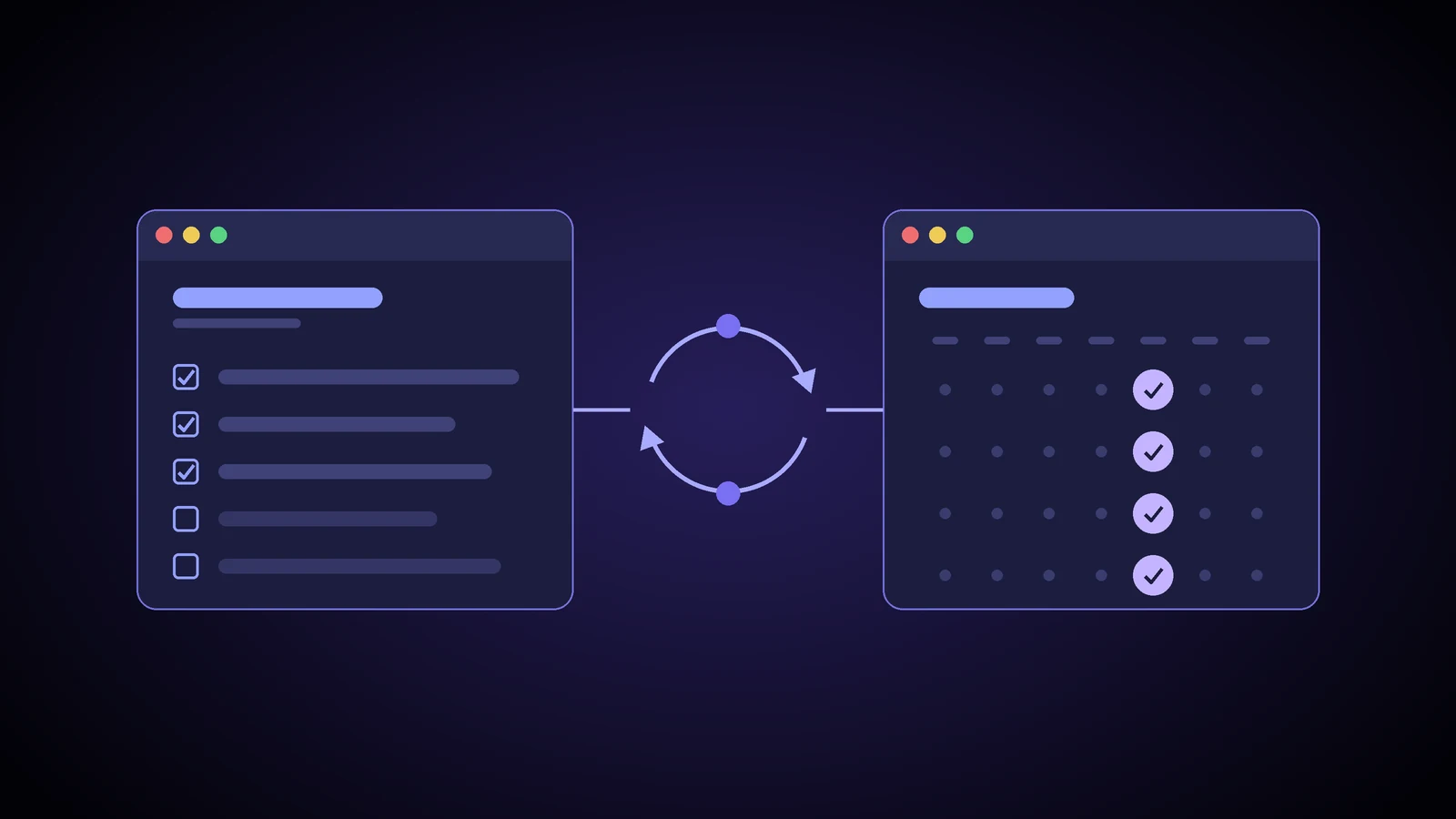
Most small businesses have at least one mistake that keeps coming back. A finished job that never gets invoiced. A new hire with no laptop on day one. A certificate that expires because nobody noticed the date. Each time, someone says "we need to be more careful", and a few months later it happens again.
Being more careful isn't a system. People get interrupted, and the steps that get skipped are almost always the small, boring ones. A short recurring checklist that shows up at the right time, for the right person, fixes more of these than any reminder at a staff meeting.
Look closely and most of these share a pattern. It's the job that only gets done when one person remembers. While that person is in the office and not too busy, it works. When they're on holiday, off sick or buried on a Friday afternoon, the step quietly gets skipped, and nobody notices until a customer or a supplier does.
Disclosure: some links in this post are affiliate links. If you sign up through them, Adapting Services may earn a commission at no cost to you. We only write about tools we would be comfortable suggesting to clients. Features below come from Process Street's own website as of November 2, 2026. They change, so please check before you buy.
A checklist is not an SOP
I wrote a separate guide on how to write SOPs your team will actually follow. An SOP teaches someone how to do a job. A checklist assumes they already know how, and makes sure the steps that get forgotten don't get forgotten.
That difference changes how you write it. An SOP can explain. A checklist shouldn't. If your person needs a paragraph to understand a line, that line belongs in the SOP, and the checklist should just say "Done: see SOP step 4".
Start from the mistake, not the process
Most checklists fail because someone listed every step of a process. You get thirty items, people tick them without reading, and the one that matters is buried at number nineteen.
Work backwards instead. The next time a repeat mistake happens, take ten minutes with the people involved and ask four questions:
- What went wrong, exactly? Not "invoicing was late" but "a job was finished on the 3rd and invoiced on the 28th".
- Which step was skipped or done late? Usually it's one step, at a handoff.
- Who was supposed to do it, and how would they have known? If the honest answer is "they'd have to remember", you've found the gap.
- What would someone have to see to catch it? That becomes your checklist item.
Keep it blame free. If people think the review is about who messed up, they'll stop telling you when things go wrong.
Rules for a checklist people will actually use
Keep it short. Five to ten items. If it's longer, split it into two checklists for two moments, or move the obvious steps out.
Only include steps that get missed or matter a lot. Nobody needs "open the email".
Write each item as something you can check. "Review the job" can't be checked. "Hours on the timesheet match hours on the invoice" can.
Name one owner. A role, not "the team". When everyone owns a checklist, nobody does.
Tie it to a time or a trigger. Every Friday at 2 PM. The first business day of the month. The day a job is marked complete. If it depends on someone remembering to start it, it will slowly stop happening.
Ask for proof on the items that matter. A photo, a file, a number. Ticking a box is easy. Typing the invoice number is harder to fake. Where money or safety is involved, add a second person's sign off.
An example: the Friday job closeout
Here's the kind of checklist I'd build for a service business that keeps finding finished jobs that were never billed, or billed without the extras. It runs every Friday afternoon, owned by the office manager, and takes about fifteen minutes.
Friday job closeout (owner: office manager, due Friday 4 PM)
- Pull the list of jobs marked complete since last Friday.
- For each job, confirm a signed work order or sign off is on file.
- Confirm any change orders or extras are added to the invoice.
- Hours on the timesheets match hours on the invoice.
- Materials used are entered against the job.
- Invoice sent: enter the invoice number.
- Any job that can't be invoiced yet: note why and who is chasing it.
- Manager approval for any invoice discounted or written down.
- Customer follow up booked for jobs that need a warranty or return visit.
Notice there's nothing about how to create an invoice. That's an SOP. The checklist just makes sure the invoice exists, it's complete, and anything stuck has a name beside it.
Paper or a shared spreadsheet is a fine place to start. If you'd rather keep a process open beside you while you work, our free Process Playbook walks through it step by step, with templates and a timer, and needs no sign up. The weak spots of any manual list show up as you grow: nobody gets reminded, there's no record of who ticked what, and copies drift out of date.
Running it in Process Street
This is where I'd look at Process Street. It's built to turn a procedure into a checklist you run each time, which they call a workflow run. A few features line up well with the rules above:
- Scheduled runs. You can set a workflow to run daily, weekly, monthly or yearly, pick the time zone, assign it to a person or group, and set when it's due. Assignees get an email and see it in their work list, so nobody has to remember to start it.
- Stop tasks. These block the rest of the checklist until a step is done, and later steps don't notify anyone until they're ready. Useful when invoicing shouldn't happen before the sign off is on file.
- Required fields. A stop task can't be completed until the required fields before it are filled in, so you can make the invoice number or a photo mandatory.
- Approvals. You can add an approval task so a manager signs off before the run continues.
- Activity feed. Each run keeps a log of who was assigned, who checked or unchecked each task, approvals and comments. When something does go wrong, you can see where.
Process Street says new accounts start with a 14 day trial of its Pro plan with no credit card required, and that cards are charged in US dollars. They also list a lower priced Startup plan for businesses under 15 employees and under $2 million in revenue. Check the pricing page for current numbers before you commit.
Try Process Street through my link
Affiliate disclosure: Adapting Services may earn a commission on qualifying subscriptions made through this link.
A tool won't fix a bad checklist. If the list is long, vague or owned by nobody, software just sends reminders about it.
A simple test for any setup, paper or software: pick one job that today depends on one person remembering it, and see whether it still happens on time the week that person is away. If it does, the checklist is doing its job.
Keep it alive
A checklist is only useful while it matches the work. Two habits keep it honest:
- Review it when the mistake happens again. If something slips past, add or reword a line that week.
- Prune it every quarter. If a step never catches anything and the risk is low, take it out. Shorter lists get read.
FAQ
How many recurring checklists should a small team start with? One. Pick the mistake that costs you the most or happens most often, build a checklist for it, and run it for a month before adding another.
What if people tick boxes without doing the work? Ask for proof on the important items and add an approval where it matters. Then check the record now and then, without making it a witch hunt.
Find the mistakes worth a checklist
Not sure which repeat problems cost you the most? My free Process Scan takes a few minutes and points to the handoffs where a checklist, or a better process, will help most.