What a Small Business Should and Should Not Let an AI Chat Assistant Answer
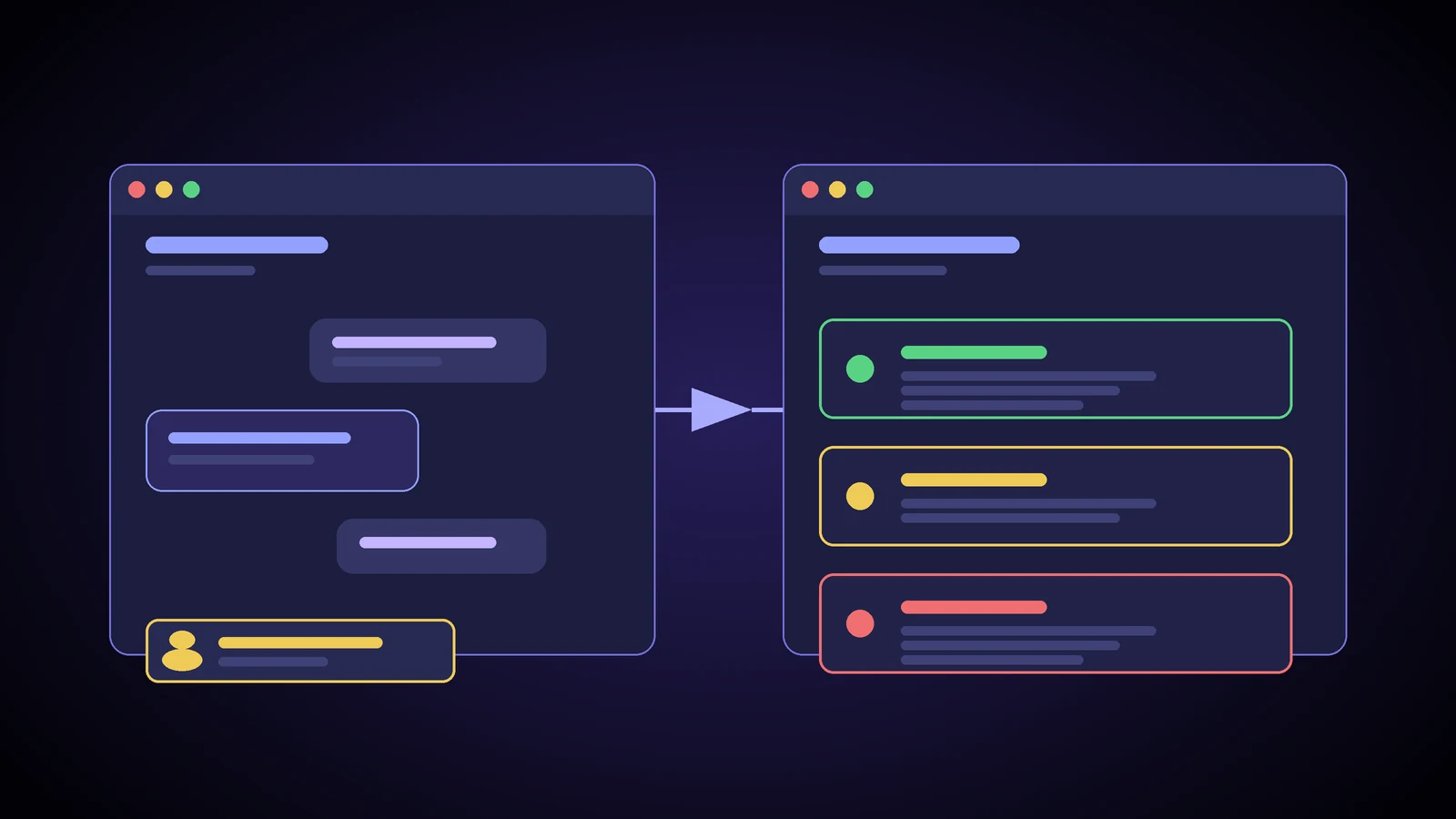
Most 10 to 200 person businesses already answer the same customer questions every day. Hours. Pricing ranges. Do you service my area. Where is my order. Can I book a time. Someone on the team copy pastes those replies by hand, and after the office closes the questions just sit there until morning.
An AI chat assistant on the website can take the first pass on the repeat ones and pass anything else to a person. That only works if you decide, up front, what it is allowed to answer, what it must hand off, and what it must never touch. The tool is the easy part. The rules are the work.
This guide is for owners and operations leads in Niagara and across Ontario who want website chat that helps customers without creating new messes. Process first. Tools second.
Start with your top ten questions
Before you install anything, spend a week writing down the questions your team already answers by phone, email or the contact form. Group them into three buckets:
- Safe and repeatable. The answer is the same for almost every customer, and a wrong reply is easy to fix. Examples: opening hours, service area, how to book, what to bring to an appointment, where to find a form.
- Needs a person soon. The question is common, but the right answer depends on the account, the job or a judgment call. Examples: a quote change, a complaint, a delivery exception, anything that sounds urgent or angry.
- Never for the assistant. Pricing exceptions, legal or safety advice, medical or financial guidance, anything involving personal information beyond a name and email, and anything you would not want quoted back in a screenshot.
If you cannot fill the first bucket with at least five clear questions and clear answers, you are not ready for an AI chat assistant. Fix the answers first. Write them in plain language the way you would say them on the phone. Then feed those into the tool.
A short walkthrough you can run beside your team while you do this sits in our free Process Playbook. No sign up. It keeps the focus on the process before anyone picks software.
Write handoff rules before you go live
An assistant that answers everything is worse than no chat at all. Customers will trust a confident wrong answer more than a blank form. Set three rules in writing and keep them next to the inbox:
- Office hours. During business hours the assistant can reply to bucket one, then offer to connect a person. Outside hours it can collect a name, email and question, confirm that someone will reply next business day, and stop there.
- Handoff triggers. Any message that mentions money beyond published rates, a complaint, a safety issue, a legal word, or "speak to a person" goes straight to a human. So does any question the assistant is not sure about.
- Owner of the inbox. Name a role, not "the team". Someone checks the chat inbox every morning and before close. Unowned chat is how after hours messages go cold.
Review the first two weeks of conversations before you widen what the assistant can say. Read the ones it answered alone and the ones it handed off. Tighten the rules where it guessed, stalled or annoyed someone.
What the assistant should answer
Keep the first release narrow on purpose:
- Hours, location details you already publish, and how to book.
- The services you clearly offer, in the same wording as your website.
- Links to forms, booking pages and FAQs you already maintain.
- "We will get back to you" plus a way to leave contact details when nobody is online.
Each of those should point at content you control. If the website says one thing and the assistant says another, customers will notice. Update the source answers whenever the business changes a price list, a service area or a booking rule.
What it should hand to a person
Hand off early when:
- The customer is upset, or uses words like cancel, refund, complaint or lawyer.
- The question depends on a specific order, job, account or quote.
- The assistant would need to invent a number, a date or a promise.
- The customer asks for a manager, a technician or "a real person".
- Anything about safety, compliance, contracts or personal data beyond basic contact fields.
A clean handoff looks like this: the assistant says a person will take over, keeps the transcript in one place, and notifies the inbox owner. The customer should not have to repeat the story.
What it should never answer
Draw a hard line for topics the assistant must refuse, even if it thinks it knows:
- Discounting, special pricing or "can you do better than the website".
- Legal, tax, medical or safety advice.
- Guarantees about delivery times you have not published.
- Anything that needs access to private customer records the chat tool should not hold.
- Opinions about competitors.
When it hits one of these, the right reply is a short refusal and a clear path to a person, not a clever workaround.
One tool option for website chat
Disclosure: some links in this post are affiliate links. If you sign up through them, Adapting Services may earn a commission at no cost to you. We only mention tools we would suggest to clients.
One option that fits many small business websites is <a href="https://affiliate.tidio.com/fd34ey0u020r" rel="sponsored noopener noreferrer">Tidio</a>. Adapting Services is an independent participant in Tidio's partner programme. According to Tidio's own site, it adds a chat widget, brings conversations into one inbox, supports saved replies and automated flows, and offers an AI agent that can answer from your support content and hand off to a person. Features and plan details change, so check their site before you buy. There is no coupon or special pricing through this link.
Tidio is a poor fit if your site gets almost no visitors, if customers almost never browse before they call, or if nobody will own the inbox. Chat that sits unanswered trains people to ignore you.
Whatever tool you pick, the setup order stays the same: top ten answers, handoff rules, office hours, then a two week review. Do not turn on the AI layer until the saved replies and handoff path work without it.
A two week rollout
Week 1. List the top ten questions. Write short answers. Decide office hours and the inbox owner. Install the widget with after hours collection only, and keep the AI replies off.
Week 2. Turn on answers for bucket one during business hours. Watch every conversation at the end of each day. Widen only the questions that stayed accurate. Leave everything else with a person.
After those two weeks you will know whether the assistant is saving time or creating cleanup work. That is the signal to keep, trim or pause it.
Find the enquiry gaps first
If you are not sure whether missed website questions, slow replies or fuzzy ownership is the real problem, start with the free Process Scan. It takes a few minutes, looks at how enquiries move through your business today, and points to where clearer rules (and only then the right chat tool) will help most.