What Is an AI Readiness Assessment for a Small Business in Ontario?
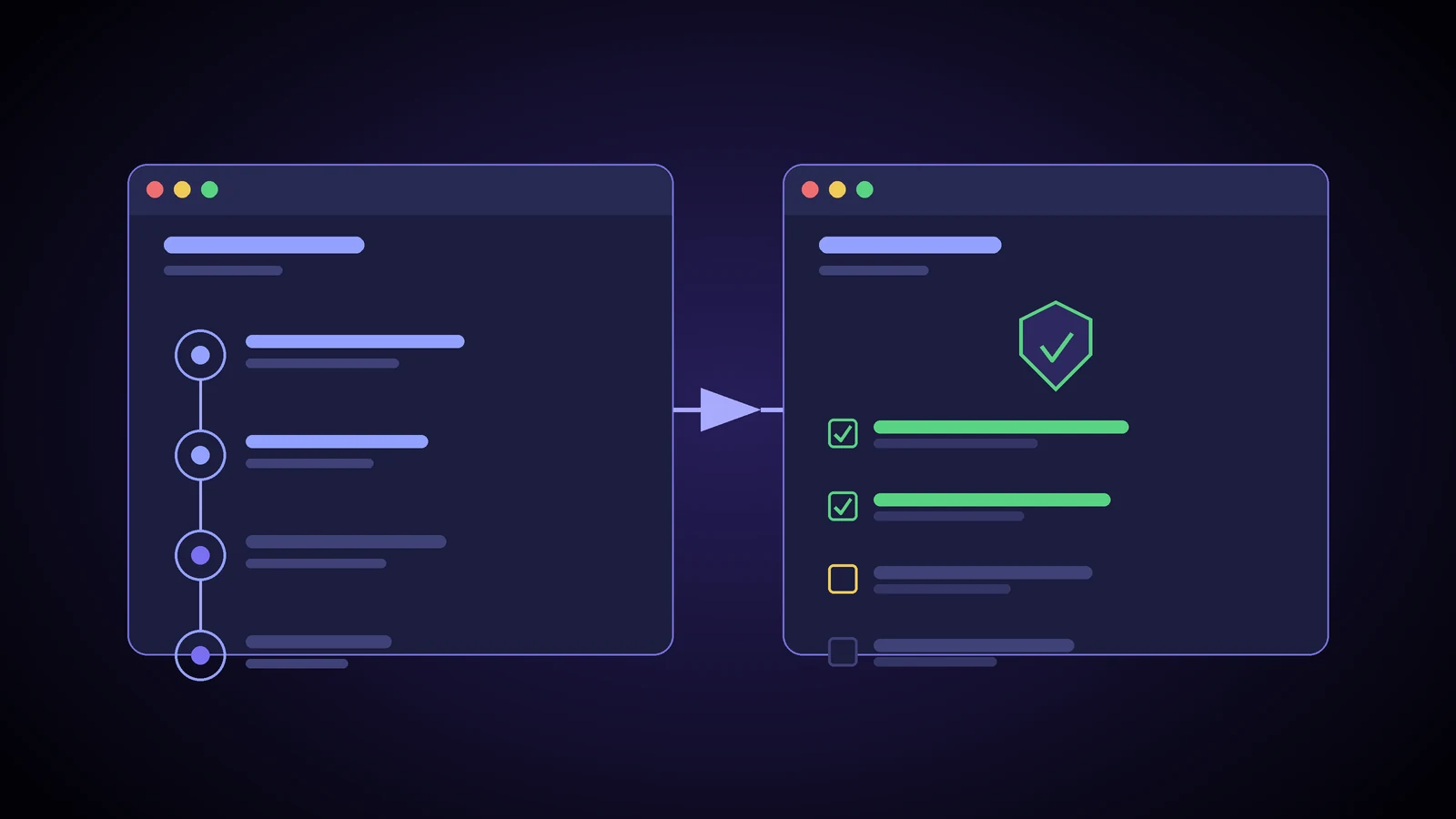
Quick answer: An AI readiness assessment checks whether one real process in your business is ready for AI: what the work is, what data it touches, who owns it and which privacy and review rules apply under PIPEDA. For an Ontario small business it should end with one first use case and a short list of controls, not a long strategy deck.
Buying an AI tool is easy. Knowing whether your Ontario small business is ready to put it into real work is harder. An AI readiness assessment is not a demo, a maturity score, or a shopping list of software. It is a short, honest look at your processes, your data, your people and your privacy obligations before you spend time or money on the wrong first step.
This guide is for owners and operations leads in teams of about 10 to 200 people across Niagara and the rest of Ontario. If you already have a longer checklist of seven tests, see my earlier post on an AI readiness assessment for business. Here the focus is narrower: what readiness means for a Canadian small business that still runs on email, spreadsheets and a few core apps, and how to run a light assessment yourself or with help.
Key takeaways
- An AI readiness assessment starts with a real process problem, not with a vendor demo.
- For Ontario small businesses, readiness includes people, data access, systems and privacy under PIPEDA, not only technical skill.
- A useful assessment ends with one first use case, clear owners and a short list of controls, not a 40 page strategy deck.
- The free Process Scan is a practical way to spot where process work should come before tools.
What an AI readiness assessment is
A useful assessment answers four questions in plain language:
- Which recurring work is worth improving first? High volume, clear rules, frequent errors or slow handoffs beat vague goals like "be more innovative".
- What data does that work touch? Customer details, employee records, quotes, invoices, health or financial information each change how careful you must be.
- Who owns the process today, and who will own the AI assisted version? If nobody owns exceptions, reviews and training, the tool will not stick.
- What must stay true for the change to be safe enough? Access limits, human review on high impact outputs, and a written purpose for using personal information.
If those four are fuzzy, you are not ready to buy. You are ready to map the work. A short process review often saves more money than another trial account.
What it is not
It is not a pitch for a platform. It is not a guarantee that AI will cut costs by a fixed percentage. It is not a legal opinion or a PIPEDA certification. Adapting Services does not claim legal advice or privacy certification. Where health information, regulated advice or contracts are involved, bring in qualified counsel or a privacy professional.
It is also not the same as sitting through a product webinar. Demos show what a tool can do with clean sample data. Readiness asks what your messy Tuesday afternoon looks like when three people are away and the CRM is out of date.
Why Ontario small businesses need this step
Most Ontario firms in the 10 to 200 person range already use some AI, often on personal accounts, to draft email, summarize notes or rewrite quotes. That informal use creates two risks at once: the work never becomes a reliable process, and personal or client information may leave systems you control.
For private sector commercial activity in Canada, PIPEDA sets ground rules for how organizations collect, use and disclose personal information. The Office of the Privacy Commissioner of Canada (OPC) states that PIPEDA applies to private sector organizations that handle personal information in the course of commercial activities, and that personal information includes any factual or subjective information about an identifiable individual. See the OPC's PIPEDA requirements in brief (checked November 9, 2026).
The OPC also publishes guidance aimed at businesses using generative AI. It stresses legal authority and meaningful consent where consent is the basis, openness about how information is used, safeguards, limiting the sharing of personal or confidential information, and privacy by design. See AI, privacy, and your business and the joint Principles for responsible, trustworthy and privacy-protective generative AI technologies (both checked November 9, 2026). Those principles are written for organizations developing, providing or using generative AI. They are not a substitute for reading the law or getting advice for your sector.
Alberta, British Columbia and Quebec have private sector privacy laws the OPC describes as substantially similar to PIPEDA for many in province activities. Ontario businesses that send personal information across provincial or national borders in commercial activities can still fall under PIPEDA. The same OPC brief covers that point. Your assessment should note where data lives and which vendors process it, even if you only serve local customers.
If you want a longer view of policies, access and oversight, see our page on AI governance consulting for Canadian businesses. Readiness is the front door. Governance is how you keep using AI without constant fire drills.
1. Name the process that hurts most
Start with one process, not with "AI strategy". Good candidates share a pattern: the same steps every week, more than one person involved, and a cost when something is late or wrong. Quoting, intake, scheduling, invoice follow up, onboarding and routine client updates are common. For a wider list of places to look, see five business processes to review before AI.
Write the current path from trigger to done. Who starts it, which apps get touched, where people copy data by hand, and where work waits. Do not invent volumes you have not measured. If you only know "it feels slow", time a handful of real jobs for a week. That baseline is what you will compare against later.
2. Separate the data by sensitivity
On the same map, mark what is personal information, what is confidential business information, and what is harmless operational detail. Under PIPEDA, personal information is broad. Names with opinions, credit or dispute history, and many employee file details can count, not only government ID numbers. The OPC brief linked above lists examples.
Ask a blunt question for every proposed AI step: could this work with less personal information, or with de identified examples? The OPC generative AI principles urge organizations to use anonymized, synthetic or de identified data where personal information is not required, and to limit collection and sharing to what the purpose needs (checked November 9, 2026). If the answer is "we would have to paste the whole client file into a chat", that use case is not ready.
3. Check people, ownership and systems
Tools fail when the process has no owner. Name a role that will approve outputs that matter, handle exceptions, and train new staff. Decide which systems the AI assisted step must connect to so people are not retyping between tabs. If the first use case needs five integrations and a data cleanup project, pick a smaller first use case.
Also decide what a person must still do. Drafting a first reply can be assisted. Promising a price, giving regulated advice or changing a customer record without review usually should not be. Those boundaries belong in the assessment, not as an afterthought once the tool is live.
4. Write the first use case and the stop rules
A ready assessment ends with something you can act on in the next few weeks:
- One process and one success measure you can observe (for example, time to first draft, error rate on a checklist, or number of handoffs).
- The minimum data the tool is allowed to see.
- Who reviews outputs before they go to a customer or into a system of record.
- What is out of scope for the first month.
- How you will turn the pilot off if it creates more cleanup than it saves.
That is enough to choose a tool, or to decide you need process cleanup first. If you are still unsure whether outside help is worth it, read when to hire AI consultants. For Ontario context on how we work with small teams, see AI consulting in Ontario.
How this ties to a Process Scan
Adapting Services runs a free online Process Scan that takes a few minutes and points at where work stalls before anyone picks software. It is a light readiness screen for process fit, not a full privacy audit and not a substitute for legal advice. Use it when you want a structured starting recommendation without pasting client files into a form. Keep customer details, passwords and confidential records out of any online questionnaire.
If your questions are mostly about governance, access and safe rollout after you know the process, combine the scan with the practices on the AI governance page. Process first, then controls, then tools.
FAQ
Is an AI readiness assessment the same as a software trial? No. A trial shows product features. An assessment decides whether a specific process, with your data and your people, is a fit before you depend on the trial.
Do small Ontario businesses need a full privacy impact assessment before any AI use? Not every draft email rewrite needs a formal assessment. The OPC generative AI principles encourage assessments such as privacy or algorithmic impact assessments where the system or use may affect privacy and other rights, and they stress necessity, proportionality and safeguards (checked November 9, 2026). Higher impact uses, sensitive personal information and automated decisions about people deserve more formal review. When unsure, ask a qualified privacy professional.
Can we use public AI chat tools with client information? Only if you have a lawful basis, appropriate safeguards, and vendor terms that match how you handle personal information. The OPC tells businesses to limit sharing of personal, sensitive or confidential information and to be open about privacy risks. Many small teams start safer by keeping personal information out of public tools and using approved accounts with clear rules.
How long should a first readiness pass take? For one process, a focused pass can take a few hours of owner and frontline time spread over a week, plus time to write the map and stop rules. If you cannot describe the process in one sitting, fix that before you evaluate vendors.
How much does an AI readiness assessment cost in Ontario? At Adapting Services the online Process Scan is free, and the paid Process Scan is $350 CAD plus HST for a 60 minute interview, a review of up to three sample workflows and a written action plan. Ongoing help is a monthly plan from $295 CAD plus HST, as listed on the pricing page.
Who does AI readiness assessments for small businesses in Ontario? Adapting Services, based in Niagara Falls, runs readiness assessments for Ontario businesses of about 10 to 200 people, online or on site in Niagara and Hamilton. The work starts from one process, which is why it often leads to process improvement or workflow automation rather than a new tool.
Start with the work, not the tool
If you want a quick read on where AI and process change would help first, take the free Process Scan. It is built for Ontario small businesses that want a clear starting process, not another generic AI pitch.