How to Connect AI Systems Without More Work
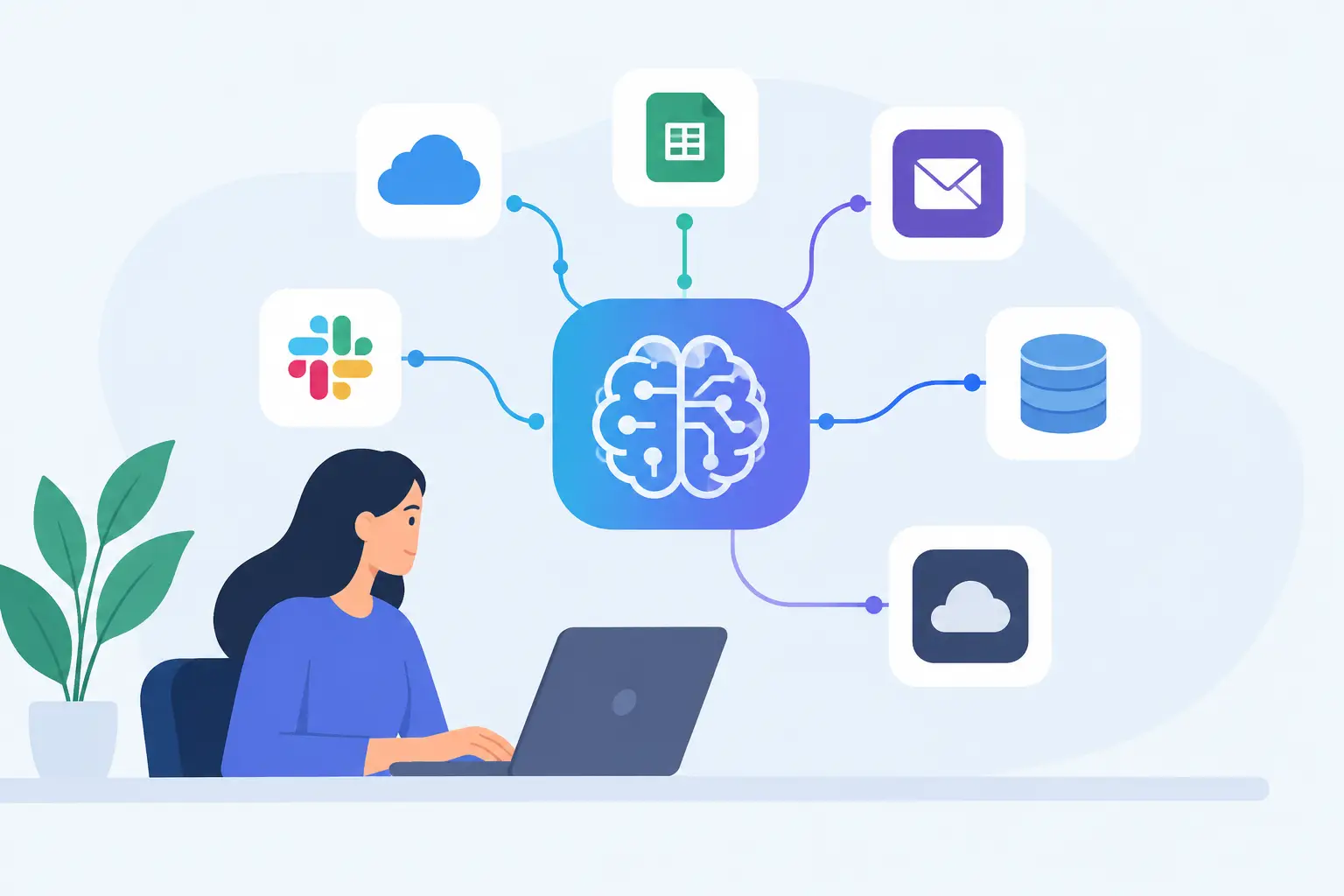
A sales team copies account notes from one system to another. Operations staff chase updates by email. A manager asks an AI assistant for a summary, then manually checks three sources before acting on it. These are not separate productivity problems. They are signs that information is trapped in disconnected workflows. Learning how to connect AI systems is how an organization turns isolated experiments into useful operational capability.
The goal is not to connect every tool to every other tool. That creates more complexity, more access risk, and more work when something changes. The goal is to connect the right systems around a clearly defined business process, with appropriate controls and human accountability.
Start with the workflow, not the AI tool
Many organizations begin with a preferred AI platform and then search for a use case. That approach often produces a polished demonstration that does not fit how work actually gets done. A better starting point is a recurring process with a visible bottleneck: intake, triage, document review, customer follow-up, scheduling, reporting, or internal knowledge retrieval.
Map the process as it works today. Identify where information begins, which systems hold it, who makes decisions, where people re-enter data, and what a successful outcome looks like. In a professional services firm, for example, a client inquiry may move from a web form to a CRM, then to an inbox, a proposal template, a document repository, and a billing system. AI can help classify the inquiry, prepare a first draft response, identify relevant past work, and prompt the right next action. But it only delivers value when those steps connect to the systems people already use.
This is the difference between an AI feature and an AI-enabled workflow. The feature may generate useful text. The workflow reduces cycle time, improves consistency, and leaves a clear record of what happened.
Decide what each system should do
Connected AI works best when every component has a narrow, understandable responsibility. Your CRM remains the source of truth for customer records. Your document management platform remains the authority for approved files. Your ERP or finance system remains the record for orders, inventory, or billing. The AI layer interprets, summarizes, drafts, classifies, extracts, or recommends based on approved information.
Avoid asking one AI agent to become an uncontrolled replacement for several core business systems. An agent can coordinate tasks across them, but it should not quietly create its own version of customer data or policy decisions. That creates duplicate records and makes audits difficult.
A practical design answers four questions before development begins:
- What information can the AI read?
- What action, if any, can it take?
- When must a person review or approve its output?
- Where is the final decision and transaction recorded?
The answers will differ by use case. An internal knowledge assistant may only need read access to a governed document library. A customer-service agent may draft replies but require staff approval for sensitive cases. An operations agent might create a task in a work-management platform once confidence is high enough, while escalating exceptions to a supervisor.
Build secure connections around data and permissions
Integration is not simply a technical exercise. It is a data governance decision. When AI systems connect to business applications, they may gain access to client records, employee information, contracts, health data, financial details, or confidential operational knowledge. The connection must reflect the same rules that govern employees' access.
For Canadian organizations, that means considering privacy obligations, PIPEDA requirements where applicable, contractual commitments, data residency expectations, retention rules, and sector-specific regulations. It also means asking a direct question that is often missed: where does the information go after it is sent to the AI service?
Use role-based permissions rather than broad shared access. Connect through approved APIs or managed integration methods where possible, rather than relying on staff exports and uploads. Keep credentials in secure systems, log meaningful actions, and limit an agent's access to the smallest dataset needed for its job.
There is a trade-off here. Tighter controls can make an initial deployment slower, particularly in organizations with older systems or fragmented identity management. But rushing around security creates a larger problem later, especially when an early pilot expands without a clear record of what data it touches. Practical over theoretical does not mean careless. It means designing controls that can operate in real work.
Connect AI systems in a staged way
The safest and most useful way to connect AI systems is to start with one bounded process, then expand based on evidence. A common sequence is Discover, Build, and Adapt.
Discover the highest-value connection
During discovery, assess the process volume, time spent, error rate, data sensitivity, systems involved, and value of a faster outcome. A use case is a strong candidate when it is frequent, rules-informed, and currently slowed by searching, copying, sorting, or drafting.
This stage also reveals whether the real problem is AI-ready. If source data is unreliable or a process has no agreed owner, connecting AI will not fix it. In those cases, clean up the process first or design the pilot to improve the data discipline alongside the automation.
Define success in business terms. That could be fewer hours spent preparing client updates, shorter response times for service requests, a lower backlog, more complete records, or faster access to approved internal knowledge. “Staff like it” is useful feedback, but it is not sufficient as the sole success measure.
Build the smallest useful workflow
Build a pilot that handles one meaningful slice of work end to end. For example, an AI agent might read incoming service requests, categorize them against defined rules, retrieve relevant internal guidance, prepare a response draft, and create a task for the appropriate team member. The employee reviews the draft and makes the final decision.
The pilot should include exception paths from the beginning. What happens when the agent cannot identify a request with enough confidence? What happens when information is missing, the source systems disagree, or the request falls into a regulated category? A reliable workflow does not pretend exceptions do not exist. It routes them clearly to people.
Test with realistic records, edge cases, and a representative group of users. Measure output quality as well as speed. An automation that saves five minutes but creates rework for another team has not improved the process.
Adapt based on real operating conditions
After deployment, monitor the workflow. Review error patterns, abandoned tasks, approval rates, user feedback, costs, and changes in source data. AI performance is not static because policies, documents, products, and business language change.
This is where many organizations lose momentum. They launch a pilot, call it complete, and leave employees to manage the consequences. Ongoing ownership matters. Someone needs authority to update prompts, rules, permissions, knowledge sources, and escalation thresholds as the business evolves.
At Adapting Services, this is treated as an operating capability rather than a one-time software installation. The aim is working software in the flow of work, supported by governance and accountable owners, not a strategy deck that leaves implementation to an already stretched internal team.
Keep people responsible for judgment
The more consequential the decision, the more carefully you should design human review. AI can prepare, prioritize, detect patterns, and reduce repetitive handling. It should not be given unchecked authority over high-impact decisions involving employment, eligibility, legal interpretation, credit, care, safety, or sensitive client outcomes.
Human approval is not a failure of automation. It is often the design choice that makes adoption possible. Employees are more likely to trust a system that shows its source information, states what it has done, and lets them correct it than one that produces unexplained actions in the background.
Make that accountability visible. Clearly label AI-generated drafts. Record the source materials used when appropriate. Give users an easy route to flag poor outputs. Train teams on both the workflow and the limits of the tool. The objective is to give people more time for judgment, relationships, and difficult work, not to force them to police a black box.
Measure the outcome, then decide what to connect next
A successful first connection should create evidence for the next one. Compare baseline and post-deployment results: turnaround time, handling capacity, error rates, completion rates, customer response quality, or time returned to the team. Also measure adoption. If staff bypass the new workflow, find out why before adding more automation.
Some processes deserve a full custom integration. Others are better served by a light connection, a read-only assistant, or no AI at all. The right choice depends on the value at stake, system maturity, data sensitivity, and the cost of maintaining the connection.
Start with the process your team feels every week, not the most impressive AI demonstration. When the connection removes a real point of friction and preserves human control, people do not need to be convinced by hype. They can see the work getting easier.