Human in the Loop AI Workflows That Work
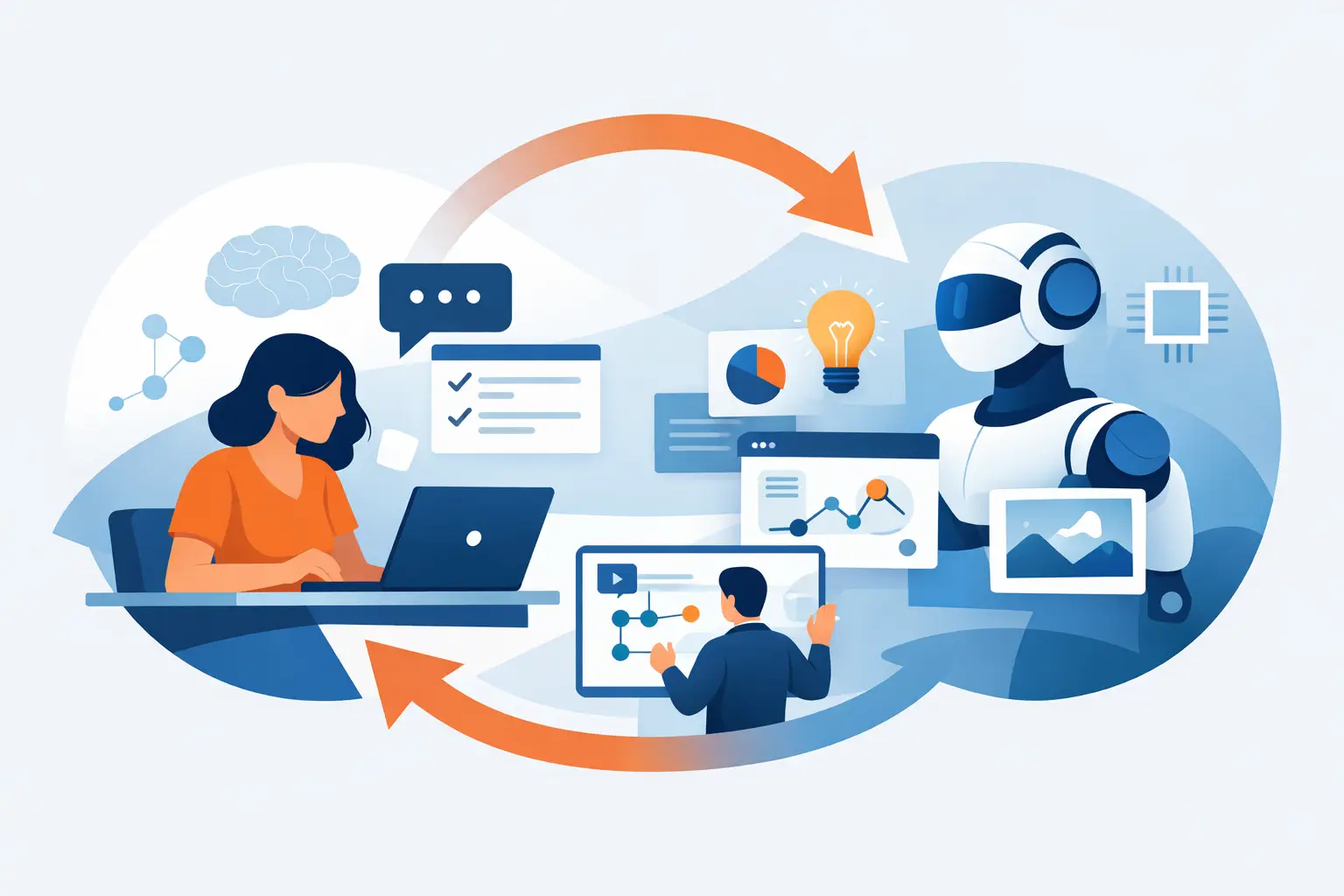
An AI system drafts a client response, classifies an insurance document, flags a quality issue, or prepares a case summary. The output may be useful, but it is not automatically ready to act on. Human in the loop AI workflows create the operating model between AI capability and accountable business action: the system handles repeatable cognitive work, while a qualified person reviews, decides, escalates, or approves where judgment matters.
For Canadian organizations, this is often the difference between an interesting pilot and a deployable solution. Leaders are rightly concerned about privacy, accuracy, explainability, customer trust, and the risk of putting a new tool beside an existing process without changing how work actually moves. A human-in-the-loop design addresses those concerns directly. It does not treat human review as a temporary safety blanket. It makes human expertise part of the workflow architecture.
What human in the loop AI workflows actually mean
Human in the loop does not mean every AI output needs a person to read it before anything happens. That approach can simply move a bottleneck from one place to another. It means deciding, deliberately, where human intervention creates value and where automation can proceed within defined boundaries.
In a low-risk workflow, an AI agent might extract data from standard supplier invoices and update a system automatically when confidence is high. Exceptions, unusual values, missing fields, or policy conflicts go to an accounts payable specialist. In a higher-stakes workflow, such as clinical administration, legal matter intake, credit decisions, or employee relations, AI may prepare a recommendation or draft, but a designated professional remains responsible for the final decision.
The point is not to prove that AI can operate without people. The point is to remove repetitive effort while preserving the context, judgment, and relationships that employees bring to work.
This distinction matters because AI does not understand accountability in the way an organization does. It can identify patterns, generate language, summarize records, and route work at speed. It cannot own a regulatory obligation, explain a difficult decision to a customer, or weigh a sensitive exception against the broader commercial relationship. Those are business responsibilities, not technical features.
Where human in the loop AI workflows deliver value
The strongest use cases tend to be process-heavy and judgment-sensitive. They have enough repetition for automation to save time, but enough variation or consequence that fully autonomous action would be inappropriate.
Consider a logistics team managing delivery exceptions. AI can monitor incoming emails, carrier updates, and shipment data; identify delays; prepare a customer communication; and recommend next steps based on agreed rules. A coordinator can then approve non-standard communications, decide whether to expedite a shipment, or intervene when a key account is affected. The customer receives a faster response, while the team spends less time gathering information across systems.
In professional services, AI can turn meeting notes, matter documents, and templates into a first draft of a client update. The professional reviews for accuracy, commercial tone, and context before sending it. The value is not merely faster drafting. It is a more consistent service process that gives experienced people more capacity for advisory work.
In manufacturing, an AI application can triage quality reports and surface recurring issues. Supervisors validate whether the pattern reflects a genuine production concern, then decide on corrective action. In financial services, an AI workflow may assemble information for a review, highlight missing documentation, and assign risk indicators, while authorized employees make the determination under the organization’s policies.
The common thread is clear: AI prepares, prioritizes, and accelerates. People decide when the decision affects money, safety, rights, reputation, or a customer relationship.
Design the approval point, not just the AI prompt
Many organizations start with a good prompt and stop there. A useful prompt can improve a draft, but it does not create an operational workflow. To deploy AI responsibly, the approval process needs the same attention as the model or agent itself.
Start by mapping the existing process. Identify the trigger, the inputs, the decisions, the handoffs, and the systems involved. This often reveals that the real problem is not writing an email or extracting a document field. It is unclear ownership, duplicate entry, slow routing, or the absence of a consistent escalation path.
Then define the boundaries for AI action. A practical design usually answers four questions:
- What can the system do automatically when the information is complete and confidence is high?
- What conditions require human review or approval?
- Who has authority to approve, override, or escalate the recommendation?
- What record is retained of the AI output, the human decision, and the reason for exceptions?
These decisions should be built into the experience people actually use. If an employee must copy content from one tool, paste it into another, and search through email for the relevant context, adoption will suffer. The review should appear in the employee’s established workflow where possible: the CRM, service desk, document management system, line-of-business application, or a purpose-built internal interface.
A well-designed approval screen should make the reviewer’s work easier. It should show the source information, the AI’s proposed action, confidence or risk signals where useful, and clear options to approve, edit, reject, or escalate. Just as importantly, it should capture corrections. Those corrections are valuable operational data. They show where instructions need refinement, where source information is weak, and where policy rules need clarification.
Match the level of review to the risk
Not every process needs the same control. Treating a low-risk internal summary like a regulated decision creates unnecessary friction. Treating a high-impact customer decision like a routine notification creates exposure. The right model depends on the potential consequence of being wrong.
Pre-approval works best when an output must be reviewed before it is sent, published, or acted on. This is appropriate for external communications, regulated content, legal or financial recommendations, and decisions involving sensitive personal information.
Exception-based review is useful when a process is standardized and high volume. The AI completes routine cases that meet strict criteria, while anything outside those criteria is routed to a person. This can produce meaningful time savings without asking employees to review hundreds of straightforward transactions.
Post-action quality assurance is appropriate for lower-risk tasks where speed matters and errors can be corrected. A team may sample completed work, review trends, and tighten the rules if error rates rise. This is not a hands-off model. It is a managed one, supported by monitoring and clear accountability.
The key is to avoid setting a confidence threshold and calling the work finished. Model performance can change as documents, language, customers, policies, and business conditions change. Ongoing review is part of operating an AI workflow, not evidence that the technology has failed.
Governance must be practical enough to use
Governance is often framed as a policy document. Policies matter, particularly where PIPEDA, contractual commitments, data residency expectations, access controls, or sector-specific requirements apply. But a policy that employees cannot apply during a busy workday will not control risk.
Practical governance translates principles into workflow decisions. It identifies which data can enter the AI environment, which roles can access it, how records are retained, when a person must approve an action, and what happens when the system produces an uncertain or inappropriate output. It also establishes an owner for the process after deployment. Without that ownership, improvements stall and exceptions quietly become workarounds.
For Canadian businesses, vendor selection and technical architecture also matter. The question is not simply whether a model performs well in a demonstration. It is whether the solution can meet the organization’s security, privacy, integration, and access requirements in production. A useful AI workflow needs to fit the operating environment already in place.
Build trust through better work, not forced adoption
Employees are more likely to use AI when they can see what it removes from their day. If the tool eliminates repetitive reading, data entry, searching, or first-draft work, while leaving them in control of meaningful decisions, the value is concrete. If it adds another dashboard and another review task, resistance is reasonable.
Training should therefore focus on the changed process, not only on the technology. Teams need to understand when to rely on the system, when to challenge it, how to correct it, and where to raise a concern. Leaders should be equally clear that AI output is not a substitute for professional judgment. The goal is better capacity and consistency, not a transfer of accountability to software.
At Adapting Services, this is why AI work begins with process discovery rather than a generic tool recommendation. The best design comes from understanding where work slows down, where risk sits, and where a human decision genuinely changes the outcome. From there, the path is practical: discover the opportunity, build and deploy the workflow, then adapt it as teams use it.
The right first project is rarely the most ambitious one. Choose a process with a visible bottleneck, measurable value, available data, and a clear owner. Build the human decision points into it from the start, and your team can gain confidence through working software rather than promises on a presentation slide.