Cloud AI Versus On Premise: Which Fits?
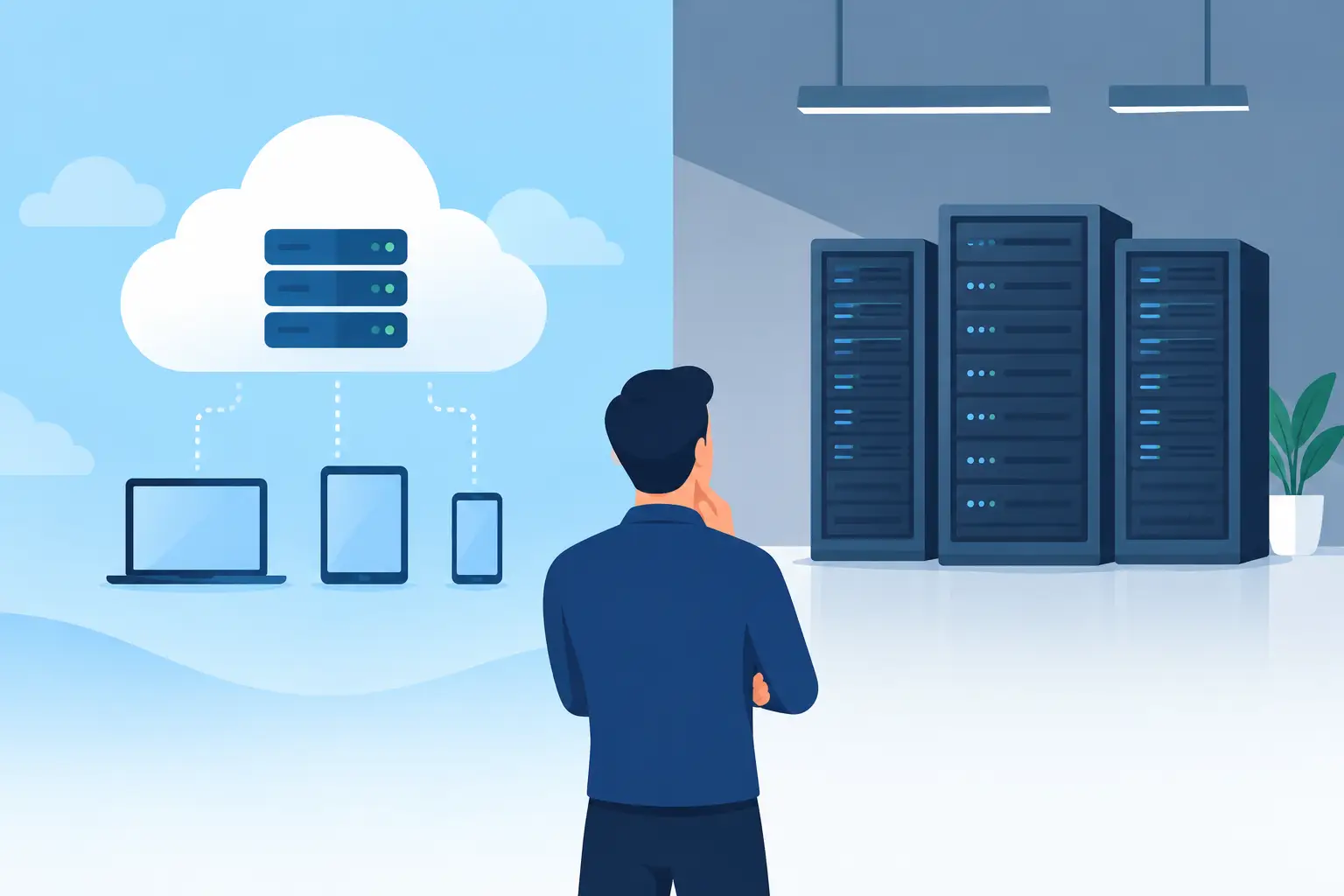
A claims team needs an assistant to summarize case files. A manufacturer wants to identify quality issues from production data. A professional services firm wants faster proposal drafting without exposing client information. These are not abstract AI questions. The cloud AI versus on premise decision determines how quickly a team can act, what data it can use, who operates the solution, and how much control it retains.
For Canadian organizations, the answer is rarely a simple choice between public cloud and a server in the building. Most successful deployments use a deliberate mix of managed AI services, private environments, approved data sources, access controls, and human review. The objective is not to choose the most impressive architecture. It is to deploy an AI capability that improves a real workflow without creating a privacy, security, or operational problem.
Cloud AI versus on premise: the practical difference
Cloud AI runs through infrastructure and AI services operated by a third-party provider. Your organization accesses models, storage, computing power, and related tools over a network. Depending on the provider and configuration, this can include Canadian data residency options, private networking, enterprise identity controls, and contractual commitments about data handling.
On-premise AI runs on infrastructure your organization owns or directly controls, typically in its own data centre or private environment. This can mean hosting a model locally, operating a private GPU cluster, or deploying AI software within a tightly controlled network. It offers more direct control over systems and data flows, but shifts more responsibility for hardware, maintenance, upgrades, monitoring, and specialist operations onto your team.
The distinction matters because generative AI is not one tool. A useful business solution usually combines a model with company information, workflow rules, user permissions, integrations, audit logs, and approvals. Where each component lives affects risk, cost, performance, and the time required to put working software in employees' hands.
When cloud AI is the stronger business case
Cloud AI is often the practical starting point for organizations that need to move from experimentation to production without building a specialized infrastructure team. Managed platforms provide access to current models and scalable compute without buying and operating expensive hardware. A team can test a well-defined use case, such as document classification or internal knowledge search, then expand after it demonstrates value.
Speed is the main advantage, but it should not be confused with simply giving staff access to a public chatbot. A production cloud deployment still needs solution design. It requires role-based access, clear data boundaries, logging, integration with the systems where work happens, and a process for handling exceptions. The useful question is not, "Can we use cloud AI?" It is, "Can we configure cloud AI to meet the requirements of this workflow?"
Cloud is particularly well suited to workloads that vary. A customer-facing assistant may receive modest traffic most days and then face a major spike during an event, product launch, or seasonal peak. Paying for capacity as needed is usually more sensible than maintaining enough local hardware for the busiest hour of the year.
It also reduces the operational burden of model updates. Foundation models improve quickly, and managed services can make newer capabilities available without a full infrastructure refresh. That flexibility matters when the business case depends on testing several approaches before committing to one.
There are trade-offs. Cloud costs can become difficult to predict when usage grows without controls. Data residency and cross-border processing must be assessed rather than assumed. Latency can be an issue for certain real-time or remote-site operations. And an organization can become overly dependent on a provider if it builds without portability, documentation, or a clear exit plan.
Cloud AI works best when you need
Cloud is generally a good fit when deployment speed matters, demand fluctuates, the organization lacks dedicated AI infrastructure staff, or the use case benefits from access to leading managed models. It is also a strong option where sensitive data can remain within an approved environment through appropriate configuration, retrieval controls, and governance.
For example, a Canadian advisory firm may use cloud-based AI to prepare first drafts from approved internal templates and selected client materials. The system does not need unrestricted access to every file. It needs carefully scoped access, a record of what information informed the draft, and a professional review before anything is sent externally. The risk is managed through design, not by avoiding useful technology altogether.
When on-premise AI earns its complexity
On-premise AI is justified when control is a hard requirement rather than a preference. Some organizations handle highly sensitive information, operate in constrained or disconnected environments, or need predictable low-latency performance close to equipment and operational data. In these cases, keeping processing within a controlled environment may be necessary for policy, contract, regulatory, or practical reasons.
A manufacturing operation is a useful example. If a computer vision system must inspect products on a fast production line, sending image data to a distant cloud service may introduce unacceptable delay or create connectivity risks. Running the model at the edge or on site can support faster decisions and keep operational data local.
On-premise deployments can also provide more certainty about data location and access pathways. For organizations that need strict network segmentation or that cannot allow specified data to leave a particular environment, this can be a meaningful advantage. But local deployment does not automatically make a solution secure or compliant. Weak identity management, missing patches, excessive user permissions, and poor audit practices can create problems in any location.
The cost profile requires clear-eyed planning. The initial investment can include servers, GPUs, cooling, power, software, implementation, security tooling, monitoring, backups, and skilled people to run it all. Hardware also ages quickly. A solution that looks cost-effective in a narrow pilot may become costly if it must support larger models, more users, or higher availability over several years.
On-premise is not a badge of maturity. It is an operating commitment. Choose it when the business need supports that commitment and your organization can sustain it.
The hybrid model is often the sensible answer
For many Canadian businesses, the best architecture is neither fully cloud nor fully on premise. It is hybrid.
A hybrid approach can keep sensitive source records in a private environment while using an approved cloud model for selected processing. It can run time-sensitive functions locally while using cloud capacity for periodic, compute-heavy analysis. It can also separate workloads by risk: a public-facing content assistant may run in the cloud, while an internal solution that handles restricted records uses a more controlled deployment path.
The key is to avoid treating "hybrid" as a vague compromise. Define what data can move, what data must stay put, where identity is managed, what gets logged, and when a human must approve an output. If the architecture cannot be explained clearly to IT, legal, operations, and the people using it, it is unlikely to be dependable in practice.
Make the decision from the workflow backward
Technology selection should follow process discovery, not lead it. Before comparing vendors or deployment models, identify where time is being lost, what decisions employees are repeatedly making, what information they need, and what a good outcome looks like. A useful AI initiative has an owner, a measurable operational target, and a defined boundary around its data and decisions.
Assess each candidate use case against four practical questions:
- How sensitive is the data, and what contractual, privacy, or residency obligations apply?
- How quickly must the system respond, and can it tolerate a network dependency?
- What level of usage is expected, and how variable will that usage be?
- Does the organization have the people and operating discipline to run local infrastructure over time?
For private-sector organizations, PIPEDA and applicable provincial privacy requirements should inform this assessment. The relevant issue is not merely where a server sits. It is whether personal information is handled with appropriate accountability, safeguards, access controls, retention practices, vendor oversight, and transparency. Sector-specific obligations and client contracts may impose additional requirements.
The same discipline applies to AI quality. A model may produce a fluent answer that is incomplete, outdated, or wrong. High-impact workflows need source grounding, confidence thresholds where appropriate, escalation paths, and human approval. This is especially true for legal, financial, healthcare, HR, safety, and customer commitments. AI should remove repetitive work and surface useful information, while people retain judgment where it matters.
Build for adoption, not a technical demonstration
A technically sound deployment fails if employees must leave their normal work to use it, do not trust its outputs, or have no guidance on when to rely on it. Integrating AI into the systems people already use is usually more valuable than adding another standalone interface.
That is why a practical delivery process first names the lane (Adopt the right tools, Automate real work with agents, or Instrument custom apps and dashboards) and then moves through three stages. Discovery maps the workflow, data, risks, and measurable opportunity. The build creates and integrates the solution with the right controls. Adaptation focuses on training, monitoring, feedback, and improvement after deployment. The final stage is often where projected ROI becomes real, because it turns a pilot into a repeatable operating capability.
Adapting Services approaches deployment from that operational perspective: working tools, defined controls, and measurable changes to the process rather than a recommendation that ends in a slide deck. The right cloud, on-premise, or hybrid choice should be visible in the day-to-day experience of employees and customers, not just in an architecture diagram.
Start with the business constraint that cannot be compromised, whether that is privacy, response time, budget, integration, or deployment speed. Then design the smallest useful solution around it. A well-governed AI workflow that saves a team hours every week is a stronger foundation than an ambitious platform that never makes it into the work.