How to Govern Model Access Without Slowing Work
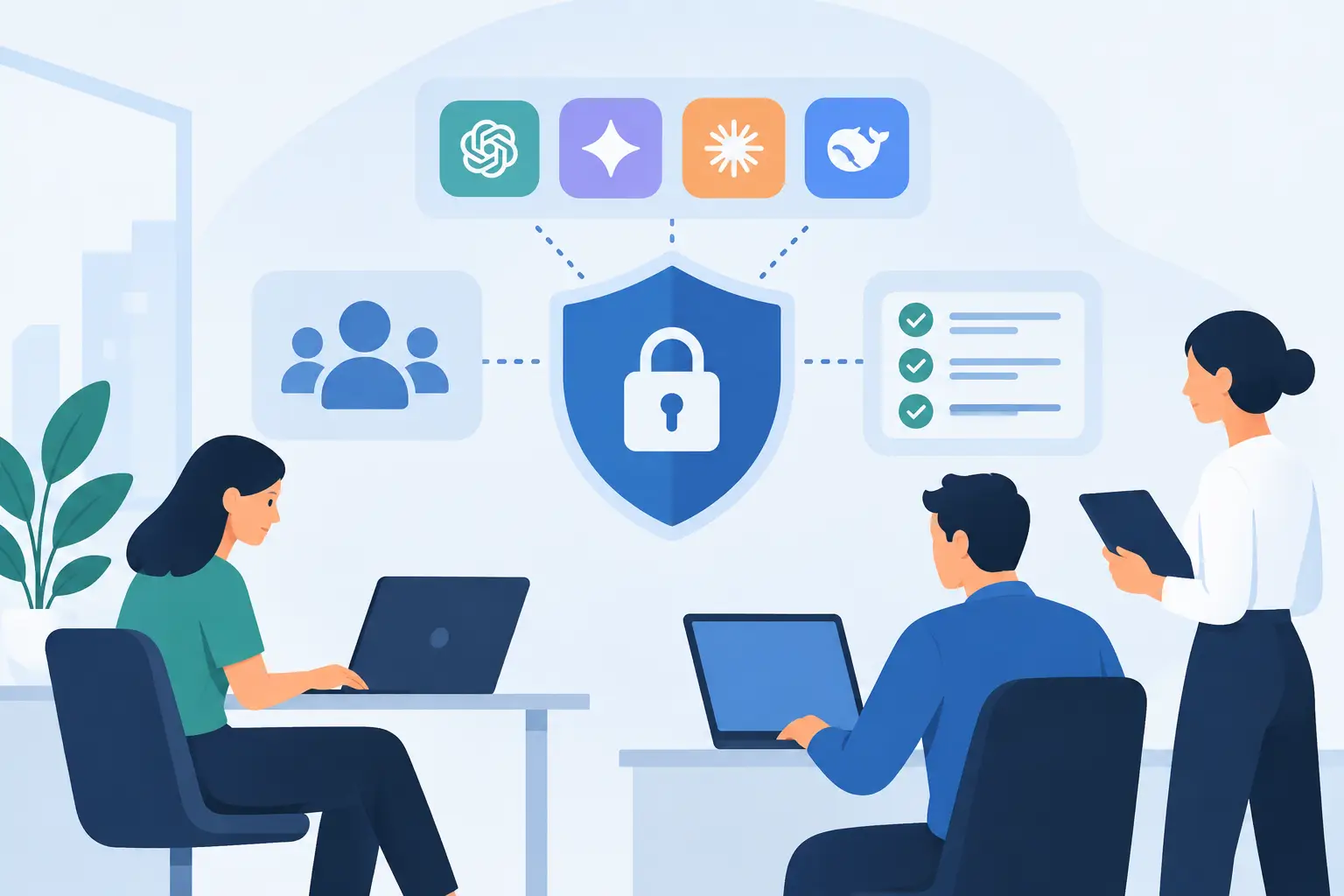
A useful AI tool can become a governance problem long before anyone intends it to. An employee pastes a client file into a public chatbot, a departmental agent receives broader system permissions than it needs, or a former contractor retains access to an internal model workspace. These are ordinary operational gaps, not dramatic cyber incidents. Knowing how to govern model access gives your organization a way to capture AI's productivity gains without treating security, privacy, and accountability as an afterthought.
For Canadian organizations, this is particularly relevant where customer, employee, financial, health, or legal information is involved. Access decisions affect more than IT risk. They shape PIPEDA obligations, data residency commitments, contractual duties, approval processes, and the confidence employees have in using AI well.
The objective is not to lock every model behind a lengthy approval queue. It is to give the right people and systems the right level of access for a defined business purpose, then make that access visible, reviewable, and reversible.
Why model access is different from ordinary software access
Traditional software permissions usually control what a user can view, edit, or administer. AI adds further questions: Which model can a person use? What data can they submit? Can the model retrieve internal information? Can it take an action in another system? Can it act without a human review step?
Those distinctions matter. An employee using a general-purpose model to improve the tone of a non-sensitive email presents a very different risk from an AI agent that reads customer records, drafts a claim decision, and writes notes back into a CRM. Calling both activities "AI access" is too broad to govern effectively.
A practical access model separates three layers. First, access to the model or AI application itself. Second, access to the data sources and knowledge bases it can use. Third, access to downstream actions, such as sending an email, changing a record, issuing a refund, or creating a purchase request. Each layer should be governed independently where possible.
This approach also prevents a common mistake: assuming a model is safe because the underlying platform is enterprise-grade. Platform security matters, but it does not decide whether a particular employee, workflow, or agent should have permission to use a particular dataset or trigger a particular action. That is an organizational decision.
How to govern model access with a practical framework
Good governance starts with the work, not with a generic policy document. Map the use case, identify what the model needs to see and do, then apply controls proportionate to the potential impact. The following framework is designed to be operational, not theoretical.
1. Inventory the models people already use
You cannot govern access you cannot see. Begin with a short inventory of approved AI tools, embedded AI features in existing software, internal applications, and any agents connected to business systems. Include unofficial use where you know it exists. A candid view is more useful than a clean spreadsheet that ignores reality.
For each item, record its owner, business purpose, user group, model provider, data location, connected systems, and whether it can take actions. If the answer to any of these is unclear, that is a finding worth addressing before expanding use.
This inventory should distinguish between experimentation and production. A small pilot with synthetic data needs lighter controls than a customer-facing assistant that retrieves live account information. Treating both identically slows low-risk learning or leaves high-risk activity under-managed.
2. Classify use cases by data and decision impact
A simple risk tier lets teams make consistent choices without escalating every request to senior leadership. Consider the sensitivity of data entering the model, the consequence of an incorrect output, the extent of automation, and the audience affected.
Low-risk use cases may involve public information, internal drafting, or meeting preparation with no confidential inputs. Moderate-risk use cases may use internal operational documents or produce work that a qualified employee reviews. High-risk use cases may process personal or regulated information, influence financial, health, legal, hiring, or eligibility decisions, or take actions that affect customers.
The right controls depend on the tier. A low-risk drafting assistant may require approved-tool access and basic training. A high-risk workflow may require documented data handling rules, named owners, restricted roles, test evidence, human approval, monitoring, and a defined incident process. More controls are not automatically better. Controls should match the exposure and the value of the use case.
3. Use roles, not one-off permissions
Individual exceptions create administrative drag and make reviews difficult. Role-based access control is usually the cleaner option. Define roles around actual responsibilities: general employee user, approved power user, content reviewer, business owner, technical administrator, and agent service account.
Then apply least privilege. A general employee may use an approved chat interface but cannot connect it to a shared drive. A power user may build a workflow within a controlled environment but cannot publish it broadly. An administrator may configure integrations but should not automatically be able to view every sensitive conversation or dataset.
Service accounts deserve particular attention. An AI agent should have its own identity, limited credentials, a documented owner, and permissions tailored to the workflow. Do not run agents through a shared administrator account because it is expedient during a pilot. It makes later troubleshooting, offboarding, and audit work unnecessarily difficult.
4. Set clear data boundaries before connecting knowledge sources
Most high-value AI use cases improve when a model can access company knowledge. That does not mean every shared drive, inbox, or database should be connected by default.
Define what categories of information are permitted, restricted, or prohibited for each model and use case. Personal information, client-confidential documents, trade secrets, health data, payment data, and privileged legal material may each require different treatment. Consider whether the provider retains prompts, uses them for training, processes data outside Canada, or offers contractual safeguards that meet your requirements.
Access to a knowledge base should also be filtered by the user's existing permissions. An AI assistant should not become a shortcut around document-level controls. If a salesperson cannot open an HR file in the source system, asking a model should not reveal its contents.
5. Put human approval where judgment still matters
Human approval is not a sign that the solution has failed. It is often the right design choice when an output affects a customer, employee, contract, payment, compliance decision, or safety-related process.
The key is to define the approval point precisely. Is a person checking every output, reviewing only exceptions, or approving the final action after the AI has prepared the work? For example, an agent can summarize a case file and draft a response, while a qualified employee verifies facts and sends it. This removes repetitive preparation without delegating accountability.
As evidence builds, some lower-impact actions can become more automated. That should be a deliberate decision based on error patterns, control performance, and business impact, not a quiet expansion of permissions.
6. Make access review part of normal operations
Permissions change as people change roles, projects end, vendors rotate, and tools evolve. Set review cycles based on risk. Production agents with sensitive access may warrant monthly monitoring and quarterly formal reviews. Lower-risk tools may be reviewed semi-annually, alongside normal access recertification.
Maintain logs that answer practical questions: who used the model, which knowledge source was accessed, what action was requested, whether a human approved it, and which system identity performed the action. Logging should support investigation and improvement, not create surveillance theatre. Tell employees what is logged and why.
Also plan for removal. A reliable offboarding process revokes model workspace access, API keys, connected application permissions, and agent ownership when a person leaves or changes roles. This is less glamorous than a new AI pilot, but it is where accountable operations are proven.
Governance should enable better deployment
The businesses that get the most from AI do not choose between speed and control. They design for both. A clear access framework gives employees confidence to use approved tools, gives IT a manageable operating model, and gives leadership evidence that AI activity is connected to real business outcomes.
At Adapting Services, this work is best handled during discovery and solution design, before a workflow reaches production. The practical question is always the same: what does this model need to access to do useful work, and what should remain under human or system control?
Start with one high-value workflow, define its data and action boundaries, and test the controls in the real process. That is how governance becomes a working capability rather than a policy employees work around.