How to Reduce Manual Document Processing
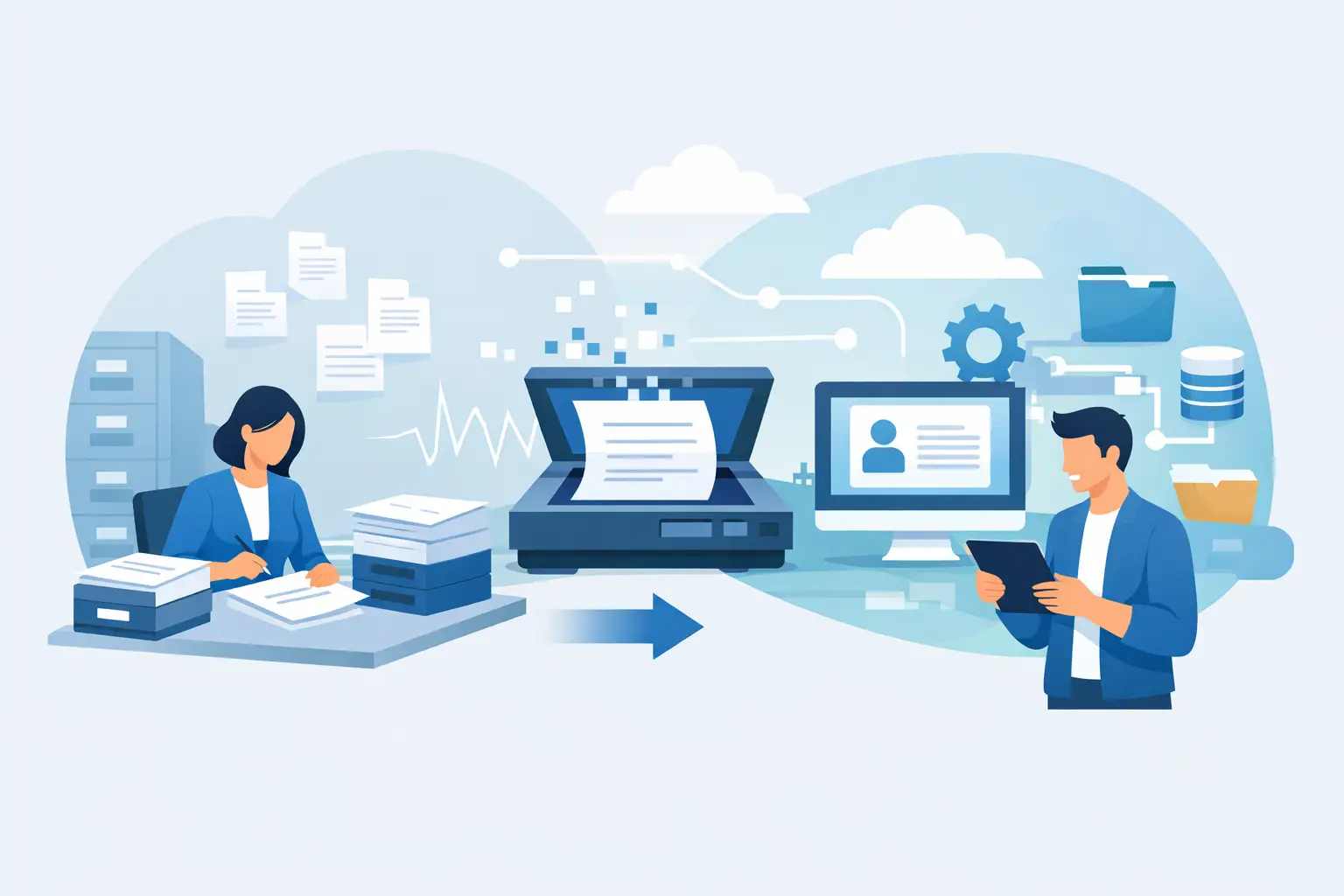
An accounts payable clerk opens an emailed invoice, checks the vendor name against the ERP, copies totals and tax fields into a system, flags a mismatch, then saves the original to the right folder. None of those actions is difficult. Repeating them hundreds of times a week is where cost, delay, and avoidable error accumulate. To reduce manual document processing, organizations need to redesign the workflow around the document, not simply add another scanning tool.
That distinction matters. A document process is rarely just data entry. It includes intake, classification, extraction, validation, routing, approvals, system updates, retention, and exception handling. The goal is not to remove people from every step. It is to remove repetitive handling so people can focus on discrepancies, decisions, customer conversations, and professional judgment.
Why document work remains stubbornly manual
Most organizations have already digitized at least part of their paperwork. They receive PDFs instead of faxes, use shared drives instead of filing cabinets, and may have forms or an ERP in place. Yet the work remains manual because documents arrive in inconsistent formats and the systems around them do not communicate cleanly.
An invoice may arrive as a structured PDF, a photographed receipt, or an email body with an attachment. A claim form may contain handwriting. A contract may use different terminology from the CRM. Staff become the integration layer: reading, interpreting, rekeying, emailing, and following up.
Tool overload can make this worse. A team may have optical character recognition software, a workflow platform, an ERP, a document repository, and an AI chat tool, yet no agreed process that connects them. Buying another standalone tool can create one more place for employees to check. Practical automation starts with the business process and the systems people already rely on.
Where to reduce manual document processing first
The best starting point is not necessarily the process with the largest document volume. It is the one where repetitive document handling creates a measurable operational consequence: delayed revenue, slow approvals, high rework, compliance exposure, or poor client experience.
Accounts payable is often a strong candidate because invoices can be classified, fields extracted, matched to purchase orders, and routed based on clear business rules. In professional services, intake packages and engagement documents can be triaged before a coordinator reviews the exceptions. Logistics teams can extract shipment details from bills of lading and proof-of-delivery documents. Healthcare and public-sector organizations may prioritize referral, application, or records workflows, subject to their privacy and regulatory requirements.
A good use case has three qualities. The documents have enough recurring structure to automate meaningful steps; the process has a clear destination system or owner; and the organization can define what a correct outcome looks like. If no one agrees on the approval rules, naming conventions, or system of record, AI will expose that ambiguity rather than fix it.
Start with discovery, not software selection
Before choosing a model or platform, map the work as it happens. Follow several real documents from arrival to completion. Include normal cases, but spend particular attention on exceptions. Those exceptions reveal where the actual operational knowledge sits.
A useful process scan should establish document volumes, formats, source channels, average handling time, error types, handoffs, approval thresholds, and downstream systems. It should also identify which data is sensitive, who may access it, how long it must be retained, and whether Canadian data residency is required.
This stage often produces a valuable result before any automation is built: it separates work that should be standardized from work that should remain judgment-led. For example, extracting an invoice number is a suitable machine task. Determining whether an unusual consulting charge is legitimate may require a finance leader who understands the vendor relationship and budget context.
For Canadian organizations, governance cannot be a late-stage checklist. PIPEDA may apply to personal information in commercial activities, while provincial privacy laws and sector-specific obligations can impose additional requirements. The right design considers data minimization, role-based access, audit logs, retention, vendor terms, and the location of processing from the start. Legal and privacy teams should validate the requirements for the organization’s particular circumstances.
Build a workflow, not a document chatbot
Generative AI is useful for interpreting varied language and summarizing unstructured content, but a reliable document workflow needs more than a prompt. It needs controls around how information enters, where it goes, and when a person must intervene.
A practical design usually combines several capabilities. Document capture receives files from email, portals, folders, scanners, or line-of-business systems. Classification identifies the document type. Extraction pulls relevant fields, while validation checks formats, calculations, required information, and records in source systems. Workflow logic routes the item to the right queue, approver, or application.
The final layer is what makes the automation operational rather than experimental: integration. Approved invoice data should reach the ERP. A completed intake form should create or update the appropriate CRM record. A signed agreement should be retained under the correct client and matter, project, or account. If the output only appears in a separate AI interface, employees are still left to copy and reconcile it.
Design for confidence thresholds and exceptions
No document AI system will be correct 100 per cent of the time, especially when source files are poor quality or business rules change. The sensible approach is to automate according to confidence and risk.
High-confidence, low-risk documents can proceed automatically within defined limits. Medium-confidence cases can be presented to an employee with the extracted values and source evidence visible for quick verification. Low-confidence, high-value, or high-risk cases should go directly to an exception queue. This preserves human approval where it matters while avoiding the waste of asking people to review every routine field.
The exception queue should be easy to work. Staff need to see why an item was flagged, correct it without hunting through multiple screens, and provide feedback that improves rules or model performance. A workflow that creates opaque errors will lose trust quickly, even if its average extraction accuracy is high.
Keep the controls visible
For sensitive documents, teams should be able to answer basic operational questions: Who accessed this file? Which extracted fields were changed? Who approved the result? Which version of the workflow processed it? Can we reconstruct the decision path if a client, auditor, or regulator asks?
These are not barriers to implementation. They are design requirements for a system people can responsibly use. Clear access controls, audit trails, approval records, and documented escalation paths make deployment safer and make adoption easier for employees who are rightly cautious about AI handling client or employee information.
Adapt the process after deployment
A document automation project should not end when the first workflow goes live. The first release establishes a baseline and exposes the conditions that were not visible in workshops: a new supplier format, a seasonal spike, an approval bottleneck, or a policy that exists only in someone’s inbox.
Measure outcomes that matter to the operating team. Track touch time per document, end-to-end cycle time, straight-through processing rate, exception rate, correction rate, backlog, and approval turnaround. Where possible, connect those measures to financial outcomes such as early-payment discounts captured, faster billing, reduced rework, or fewer service delays.
Do not treat a rising exception rate as automatic failure. It may signal that the workflow is correctly detecting an upstream quality issue. The question is whether the team can diagnose the cause and improve the process. That may mean refining extraction instructions, updating validation rules, standardizing supplier submissions, or changing the approval policy.
Employee adoption deserves the same attention as the technology. Explain what the system does, what it does not decide, and how staff should handle exceptions. Position the change honestly: automation may eliminate copying and filing tasks, but it increases the value of reviewing anomalies, resolving customer issues, and improving the process. The people closest to the work are often the best source of improvement ideas.
A practical path from backlog to capability
Document processing usually sits in the Automate lane of Adopt, Automate & Instrument, and the most effective approach is a disciplined three-step sequence. Discovery identifies the process, risk profile, baseline, and highest-value automation opportunities. The build turns the selected workflow into working software integrated with the required systems and controls. Adaptation monitors performance, improves the workflow, and expands proven patterns to the next use case.
This approach avoids two common mistakes. The first is commissioning a strategy that never becomes a deployed tool. The second is deploying a promising AI feature without process ownership, security review, or a plan for exceptions. Organizations need both operational clarity and technical delivery.
Adapting Services works this way because measurable outcomes depend on more than selecting AI technology. They depend on understanding the daily work, integrating with the systems of record, and giving teams a controlled way to use the result.
Start with one document workflow that frustrates capable people every day. Map what they touch, what they decide, and what they repeatedly move between systems. That is usually where a practical automation can return time to the people whose judgment matters most.